> ## Documentation Index
> Fetch the complete documentation index at: https://docs.tight.com/llms.txt
> Use this file to discover all available pages before exploring further.
# Tight Embeddable UI
> Embed modern, flexible, and performance-optimized accounting components
You can simply link this doc to your orchestration agent to embed Tight's UI into your platform overnight.
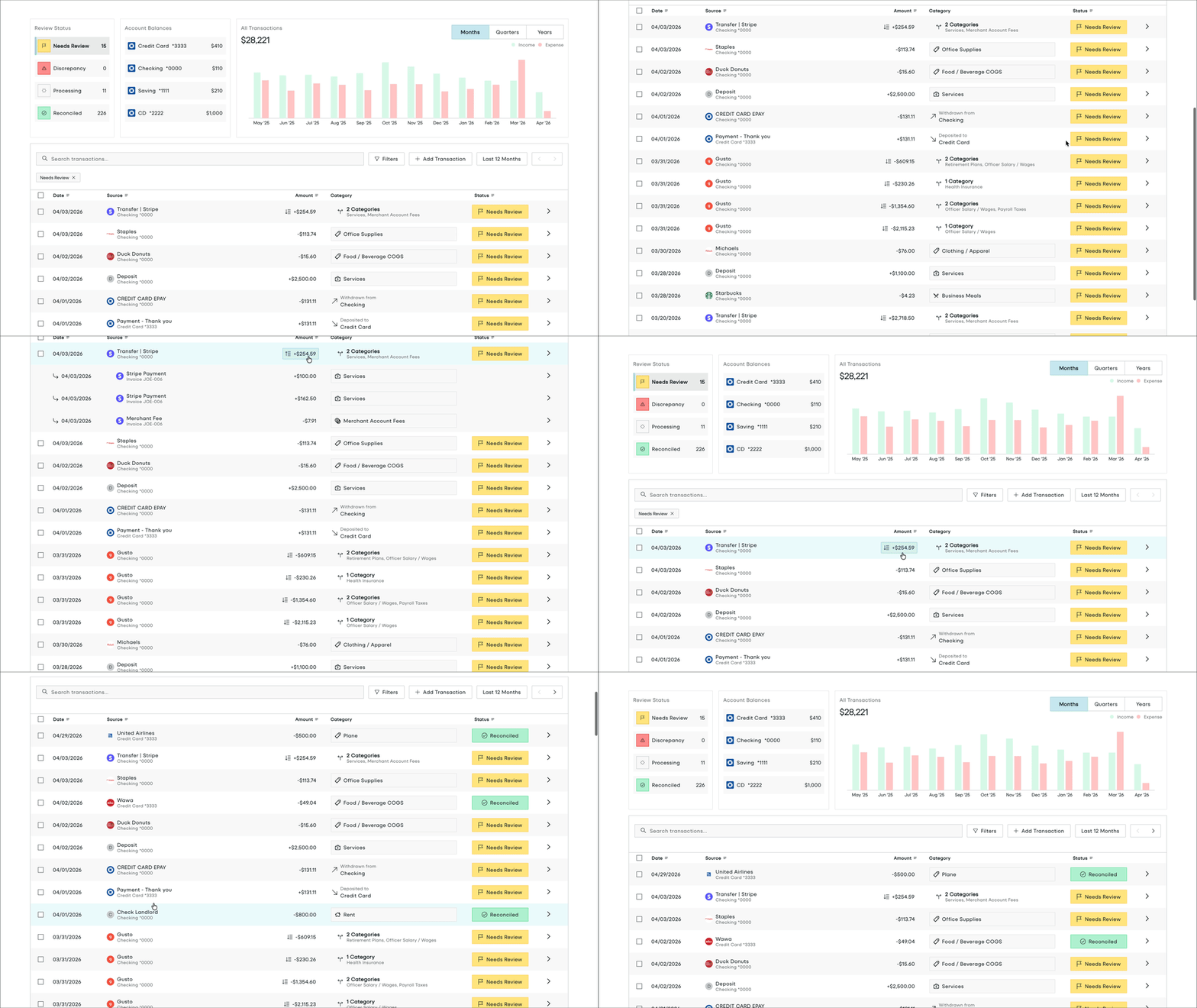 ## Flexible embed options
Connect Tight's MCP Server to your dev workflow to embed overnight
Embed fully-responsive components into your React app
Embed mobile-first features like mileage tracking using React Native
Explore the Tight Embedded UX in the Playground
Launch without development via a simple DNS configuration
Explore the Tight Embedded UX in the Playground
## Modern design philosophy
Tight's embeddable components are designed to be customized to fit into *your* platform such that your users would never know they were created by a third party. There are a few different approaches to nailing your UI design:
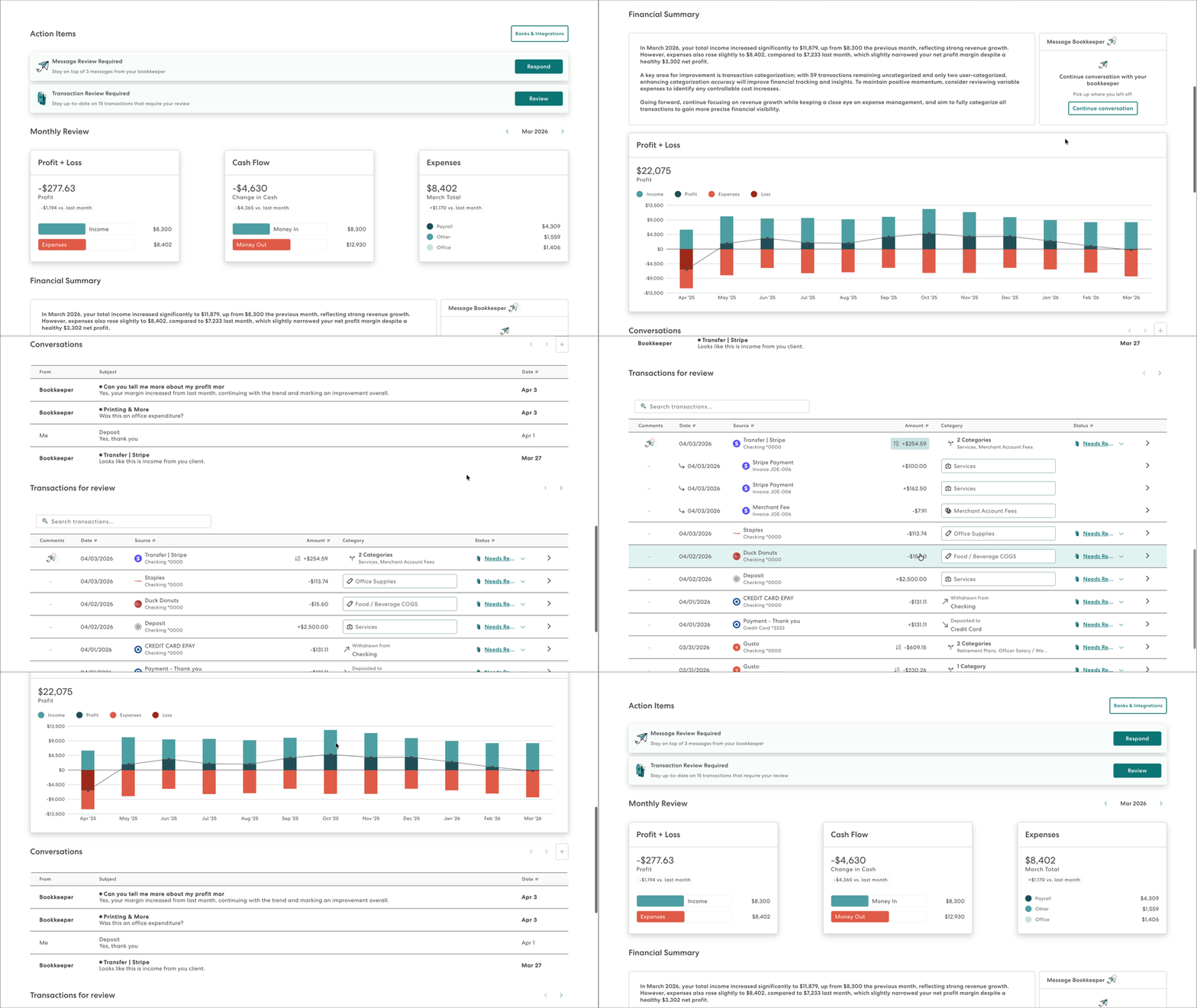
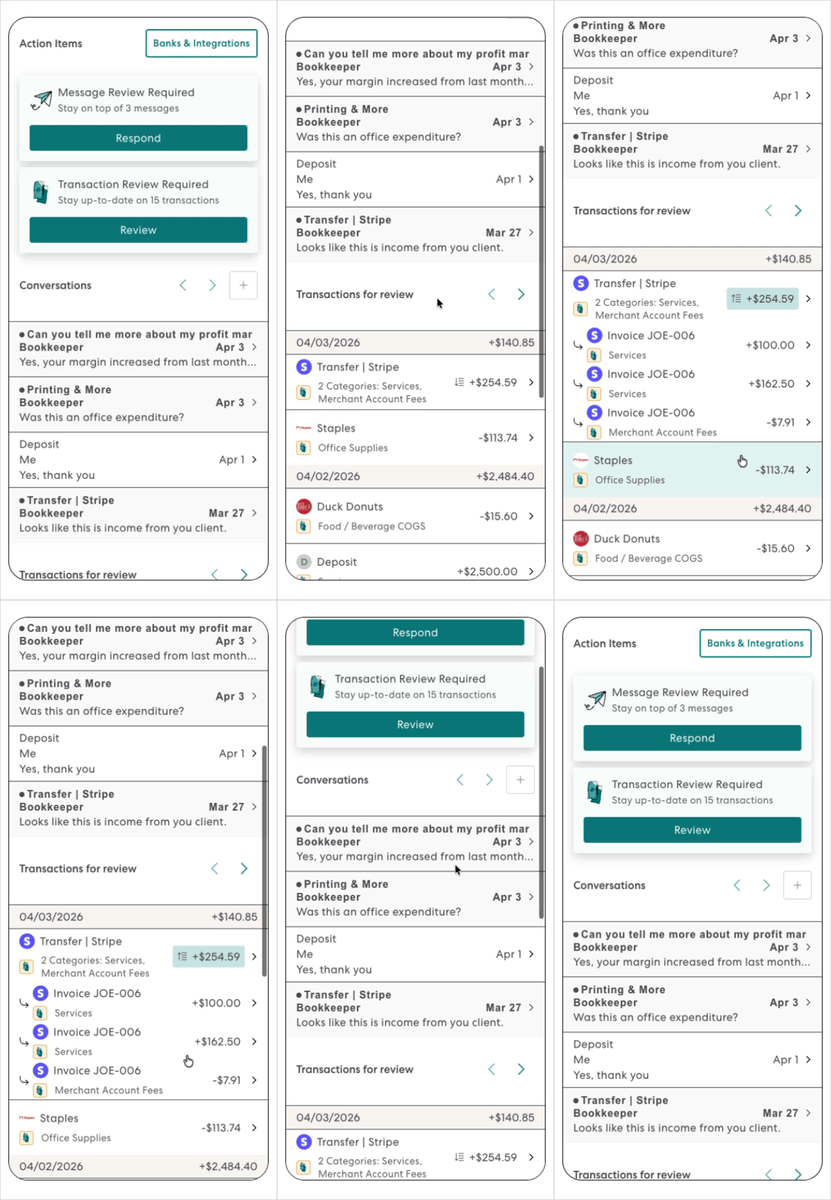
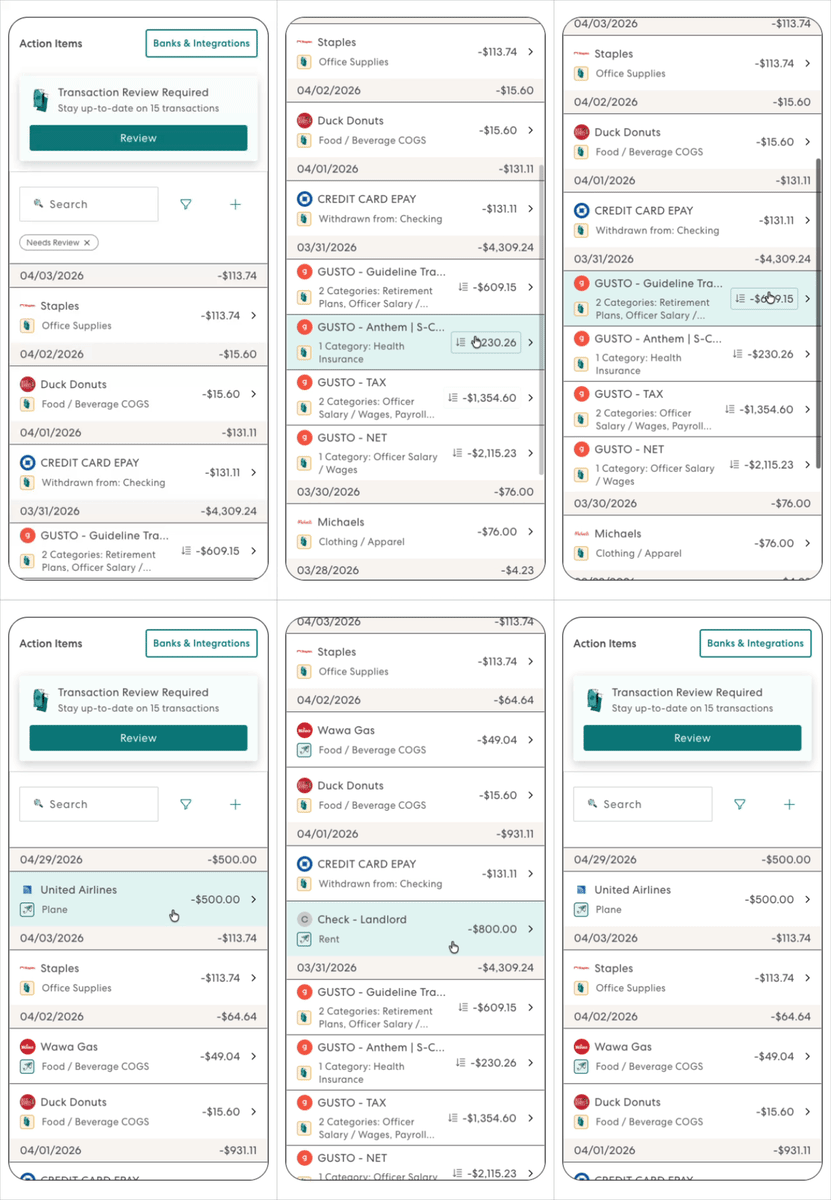
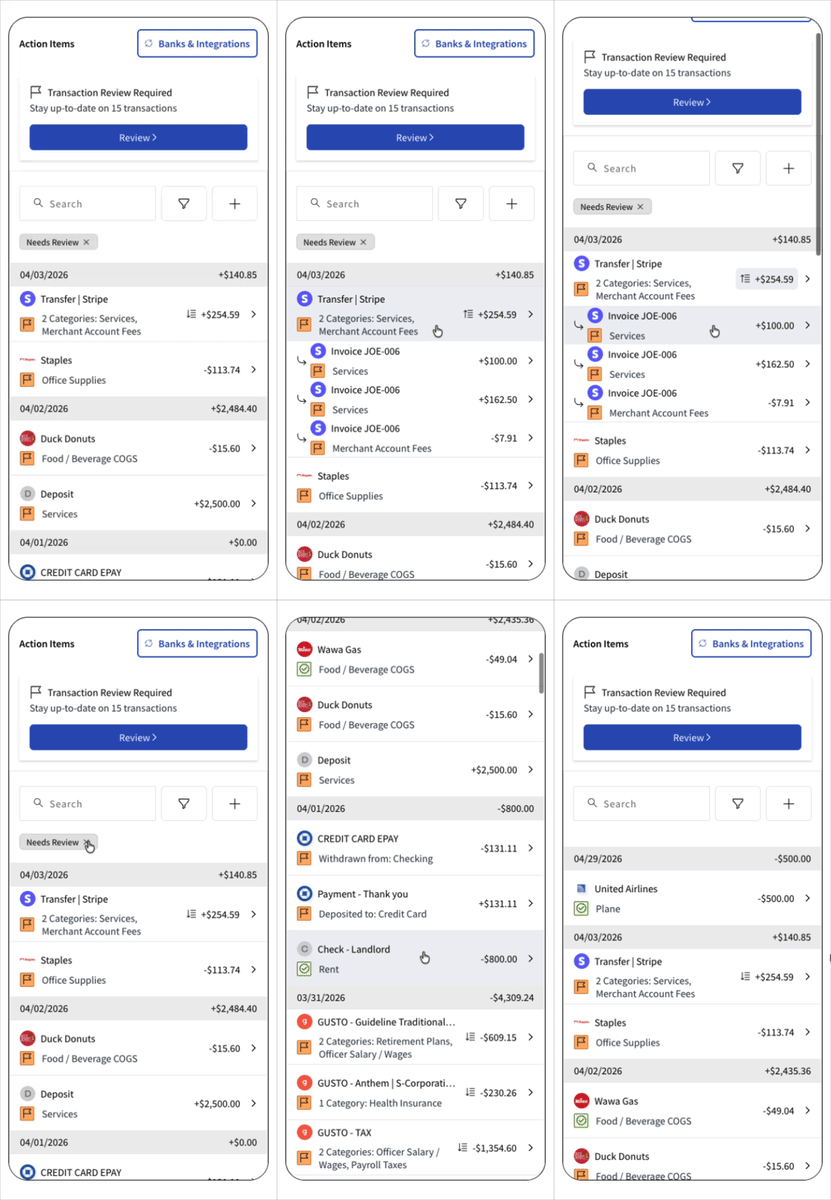
1. Tight can do the white labelling design and implementation for you (see some [example white-labellings of popular SaaS platforms](/embeddable-ui/tight-embeddable-ui#custom-white-labellings) below). Simply send Tight's design team your Figma design system or send Tight a demo account login to your platform.
2. Or, you can utilize [Tight's innovative design token system](/embeddable-ui/react/reference/design-tokens) to override via CSS
## Custom white-labellings
## Flexible embed options
Connect Tight's MCP Server to your dev workflow to embed overnight
Embed fully-responsive components into your React app
Embed mobile-first features like mileage tracking using React Native
Explore the Tight Embedded UX in the Playground
Launch without development via a simple DNS configuration
Explore the Tight Embedded UX in the Playground
## Modern design philosophy
Tight's embeddable components are designed to be customized to fit into *your* platform such that your users would never know they were created by a third party. There are a few different approaches to nailing your UI design:
1. Tight can do the white labelling design and implementation for you (see some [example white-labellings of popular SaaS platforms](/embeddable-ui/tight-embeddable-ui#custom-white-labellings) below). Simply send Tight's design team your Figma design system or send Tight a demo account login to your platform.
2. Or, you can utilize [Tight's innovative design token system](/embeddable-ui/react/reference/design-tokens) to override via CSS
## Custom white-labellings