` where you would like the Report Dashboard to render. When your user taps on your "Reports" navigation CTA, you simply need to invoke the following line of javascript:
```javascript theme={null}
Hurdlr.renderScreen(elementId, 'reportDash');
```
## 3. Modifying the list of reports
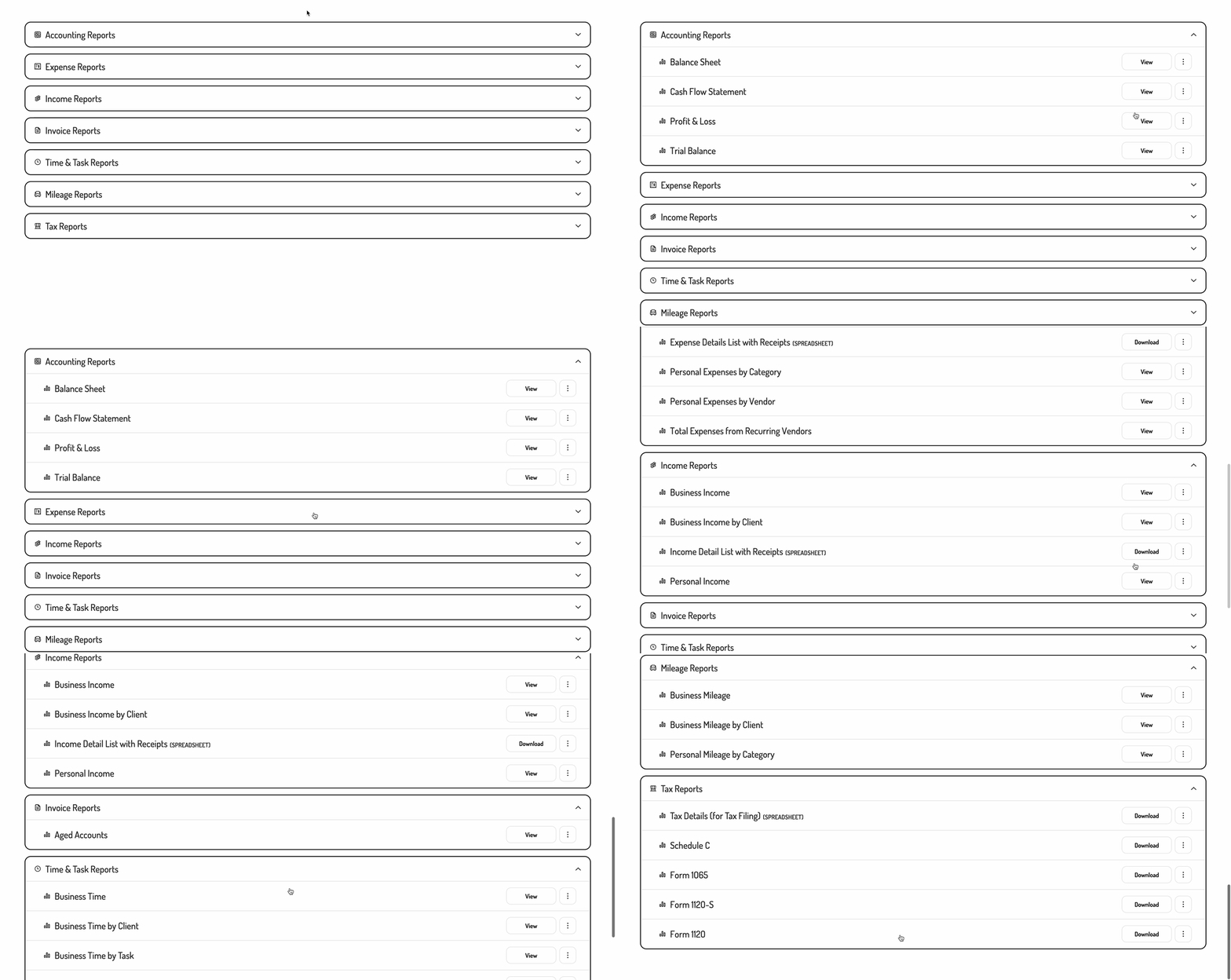
If you'd like to alter or re-order the list of reports being shown, you can do so by populating a `reports` array within the `options` object as follows:
```javascript theme={null}
Hurdlr.renderScreen(elementId, 'reportDash', { reports: [
Hurdlr.reports.incomeByBusiness,
Hurdlr.reports.expensesByBusiness,
Hurdlr.reports.profitAndLoss,
]});
```
Passing in an empty array (`[]`) will show no reports, while passing any value other than an array will cause all reports to be shown.
The `reports` array can contain any of the following values:
| Value | Report Name |
| :------------------------------------------ | :------------------------------------ |
| `Hurdlr.reports.profitAndLoss` | Profit & Loss |
| `Hurdlr.reports.revenuesByBusiness` | Business Income by Business |
| `Hurdlr.reports.revenuesByClient` | Business Income by Client |
| `Hurdlr.reports.revenueList` | Income Details List with Receipts |
| `Hurdlr.reports.personalRevenues` | Personal Income |
| `Hurdlr.reports.expensesByBusiness` | Business Expenses by Business |
| `Hurdlr.reports.expensesByCategory` | Business Expenses by Category |
| `Hurdlr.reports.expensesByClient` | Business Expenses by Client |
| `Hurdlr.reports.expensesByVendor` | Business Expenses by Vendor |
| `Hurdlr.reports.expenseList` | Expense Details List with Receipts |
| `Hurdlr.reports.personalExpensesByCategory` | Personal Expenses by Category |
| `Hurdlr.reports.personalExpensesByVendor` | Personal Expenses by Vendor |
| `Hurdlr.reports.recurringVendors` | Total Expenses from Recurring Vendors |
| `Hurdlr.reports.balanceSheet` | Balance Sheet |
| `Hurdlr.reports.cashFlowStatement` | Cash Flow Statement |
| `Hurdlr.reports.trialBalance` | Trial Balance |
| `Hurdlr.reports.agedAccountsReceivable` | Aged Accounts Receivable |
| `Hurdlr.reports.agedAccountsPayable` | Aged Accounts Payable |
| `Hurdlr.reports.scheduleC` | Schedule C |
| `Hurdlr.reports.form1065` | Form 1065 |
| `Hurdlr.reports.form1120S` | Form 1120-S |
| `Hurdlr.reports.form1120` | Form 1120 |
| `Hurdlr.reports.t2125` | T2125 |
| `Hurdlr.reports.taxSummary` | Tax Details (for tax filing) |
If you prefer for the list of reports to not be broken into sections, you can also set `showReportSections` to false:
```javascript theme={null}
Hurdlr.renderScreen(elementId, 'reportDash', { reports: [
Hurdlr.reports.incomeByBusiness,
Hurdlr.reports.expensesByBusiness,
Hurdlr.reports.profitAndLoss,
],
showReportSections: false
});
```
## 4. Customizing the UI to match your branding
Tight's API team can quickly customize the UI to match your branding. Please follow the instructions on [Customizing the embedded UI to match your branding](/v5.0/getting-started/quickstart/embedded-ui#1-customizing-the-embedded-ui-to-match-your-branding).
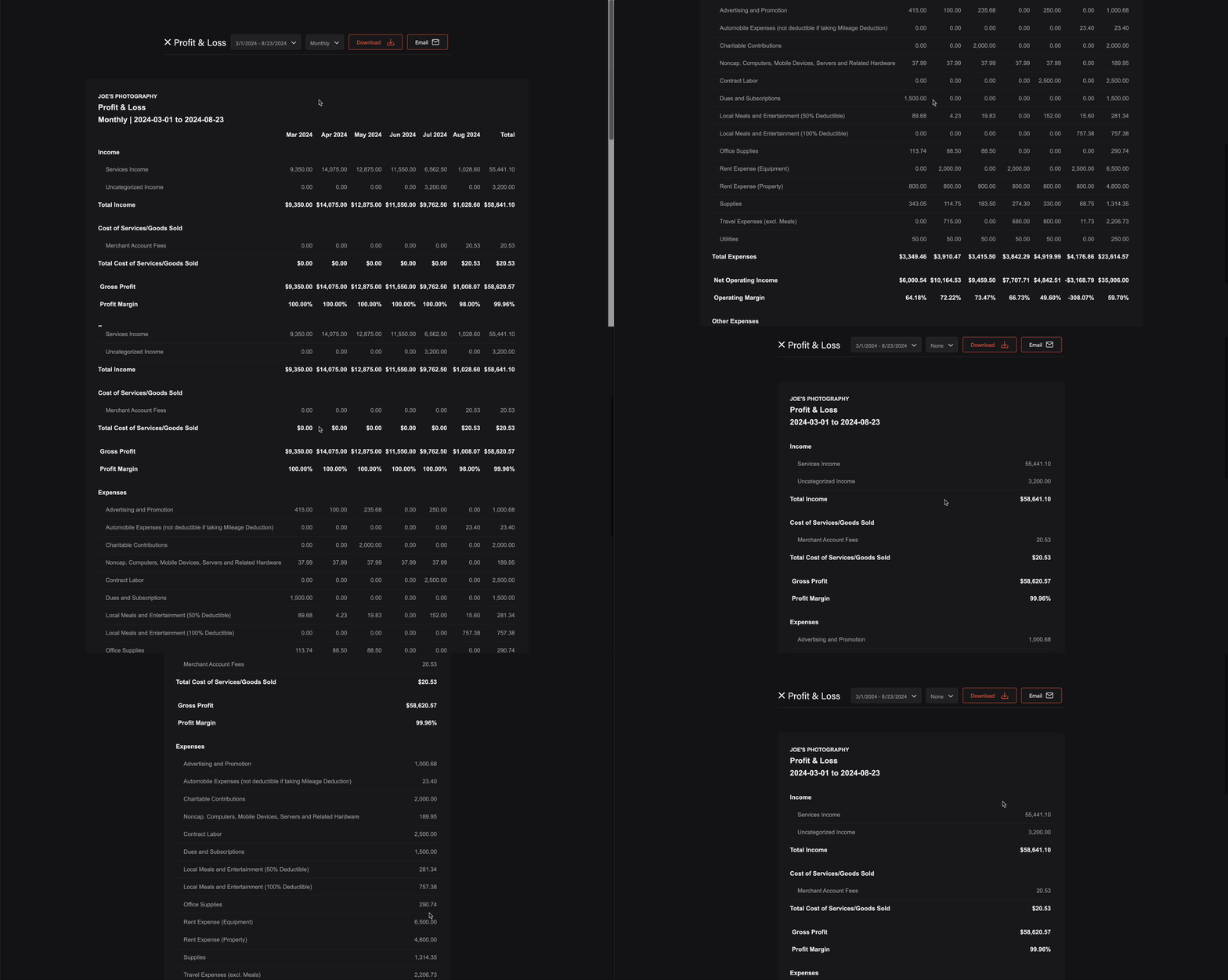
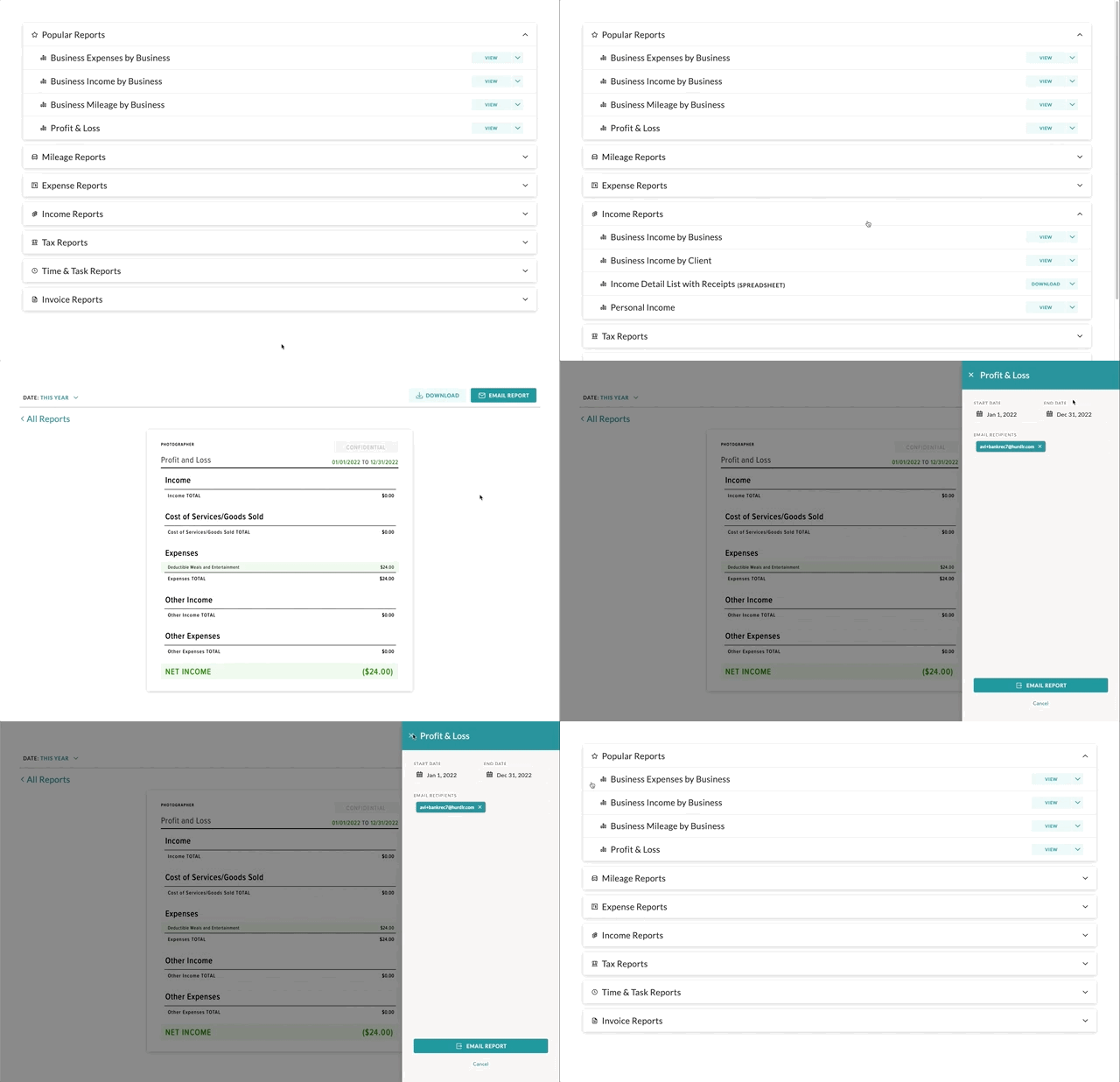
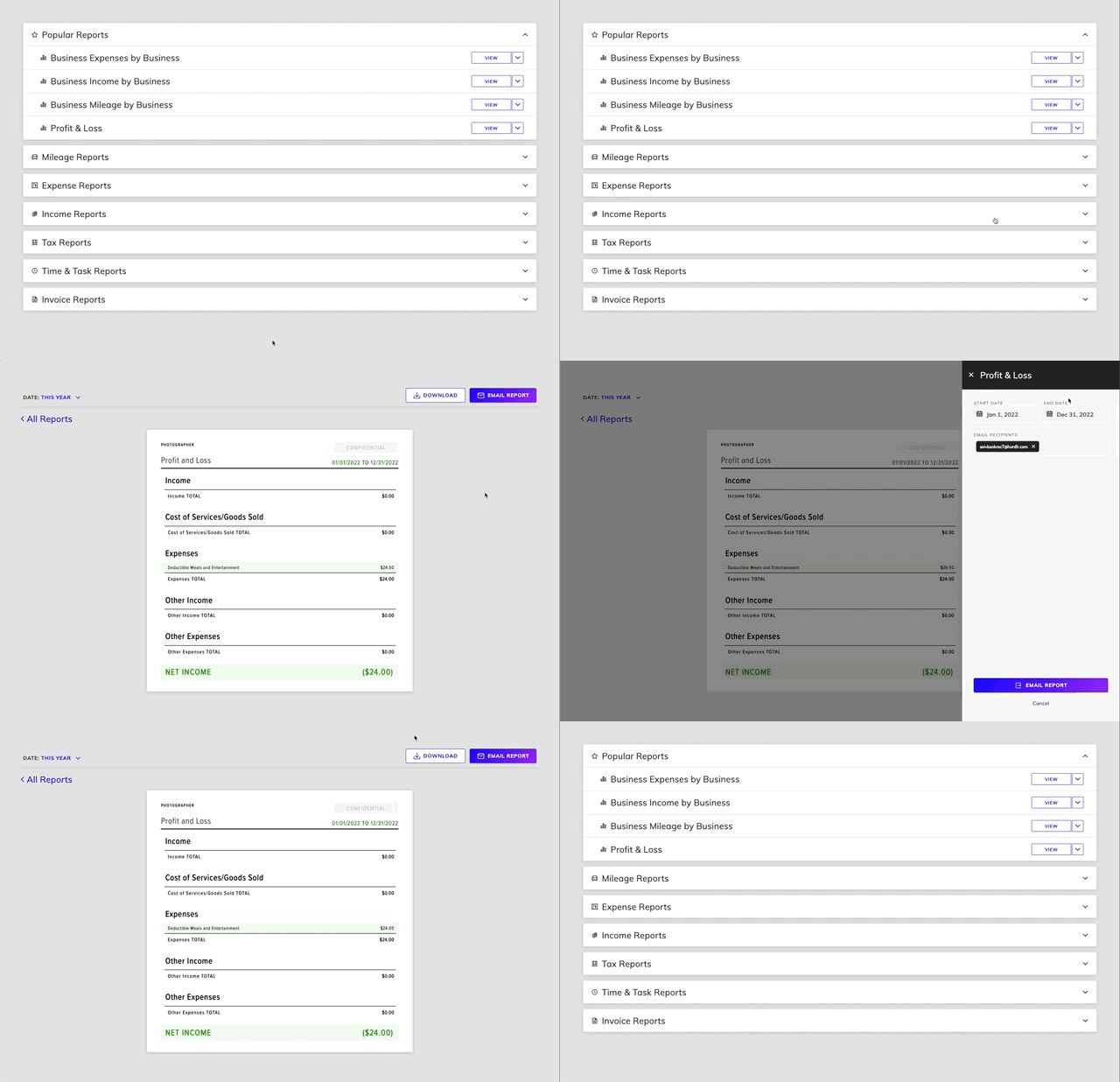
Some examples of customized experiences are shown below:
 ## 1. Initializing the Embedded Experience
To initialize the Tight Embedded experience in your project, follow the instructions on [Embedding Tight's white-labelled UI](/v5.0/getting-started/quickstart/embedded-ui#2-embedding-hurdlrs-white-labelled-ui-hurdlr-sdk).
## 2. Adding the Report Dashboard to your app
To render the Report Dashboard, you will need to provide the `elementId` parameter, which is the HTML `id` of the main `
## 1. Initializing the Embedded Experience
To initialize the Tight Embedded experience in your project, follow the instructions on [Embedding Tight's white-labelled UI](/v5.0/getting-started/quickstart/embedded-ui#2-embedding-hurdlrs-white-labelled-ui-hurdlr-sdk).
## 2. Adding the Report Dashboard to your app
To render the Report Dashboard, you will need to provide the `elementId` parameter, which is the HTML `id` of the main `