Connect to Tight’s MCP Server
Connect as a bookkeeper or support agent
Configure your AI tool to point at the Tight MCP server using the parameters below. After you finish setup, your tool walks you through the OAuth flow to sign in and grant access.- Claude
- ChatGPT
For Claude Pro, Max, Team, or Enterprise users, add Tight as a custom connector. To learn more, see the Claude
documentation.In the Claude desktop or web app, go to Settings > Connectors > Add custom connector and use the
following parameters:
- Remote MCP server URL:
https://mcp.tight.comfor production orhttps://mcp.sandbox.tight.comfor sandbox - Connection mechanism: OAuth
Connect as a developer
Register the Tight MCP server with your development tool using the configuration below. Once registered, your tool prompts you through the OAuth flow to sign in and grant access.- Claude Code
- VS Code
- Custom Connectors
Execute the following command to register the Tight MCP server. To learn more, see the Claude Code
documentation.
Connect your existing AI chat interface
The Tight MCP server allows you to easily connect your product’s existing AI chat interface by accepting the standard Authorization header on any request. Simply generate an access token and pass this on all requests to the Tight MCP server.Authenticate with OAuth
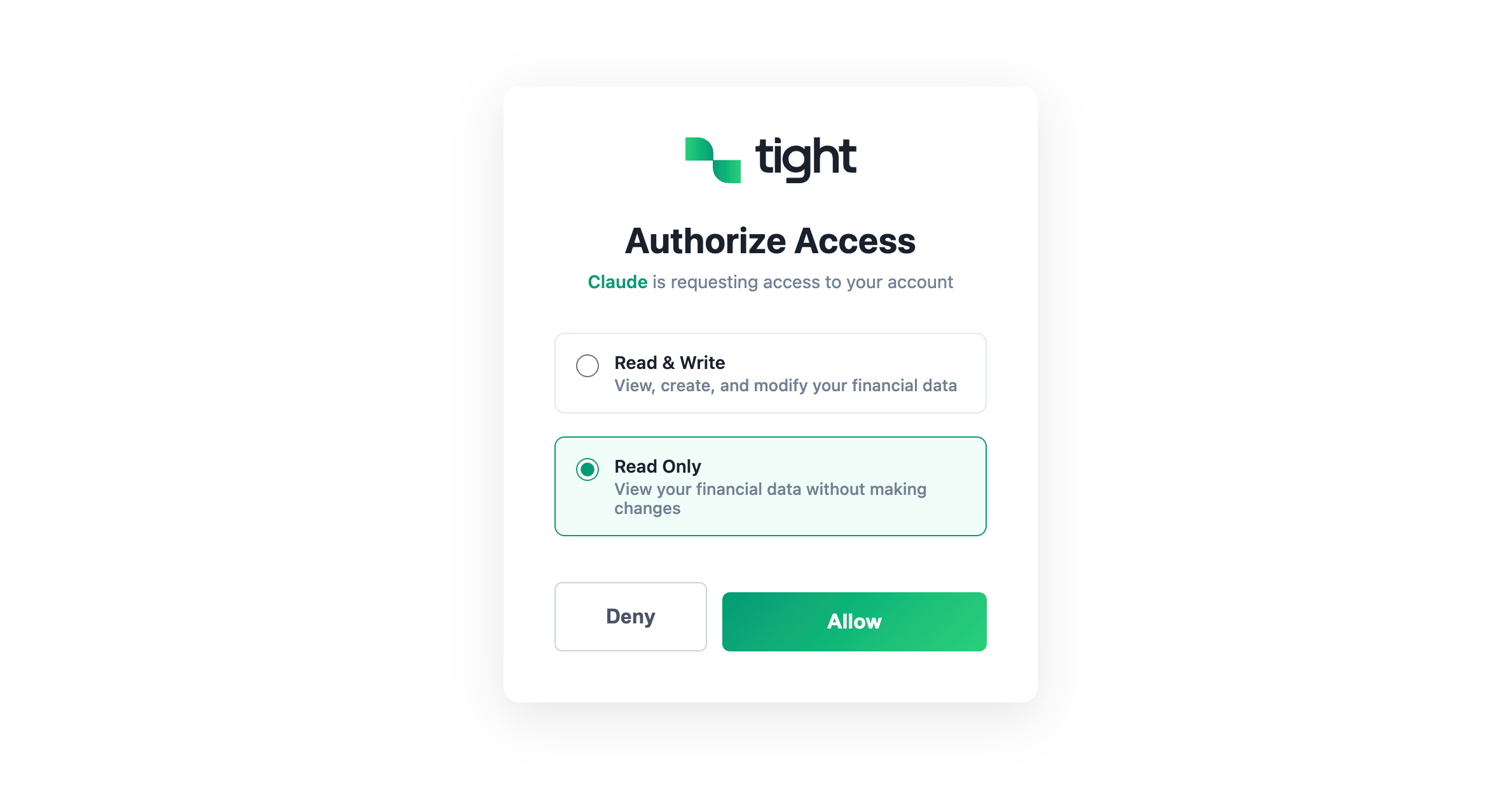
Once you attempt to connect, you are presented with a standard OAuth flow. Sign in with your email and password to authenticate.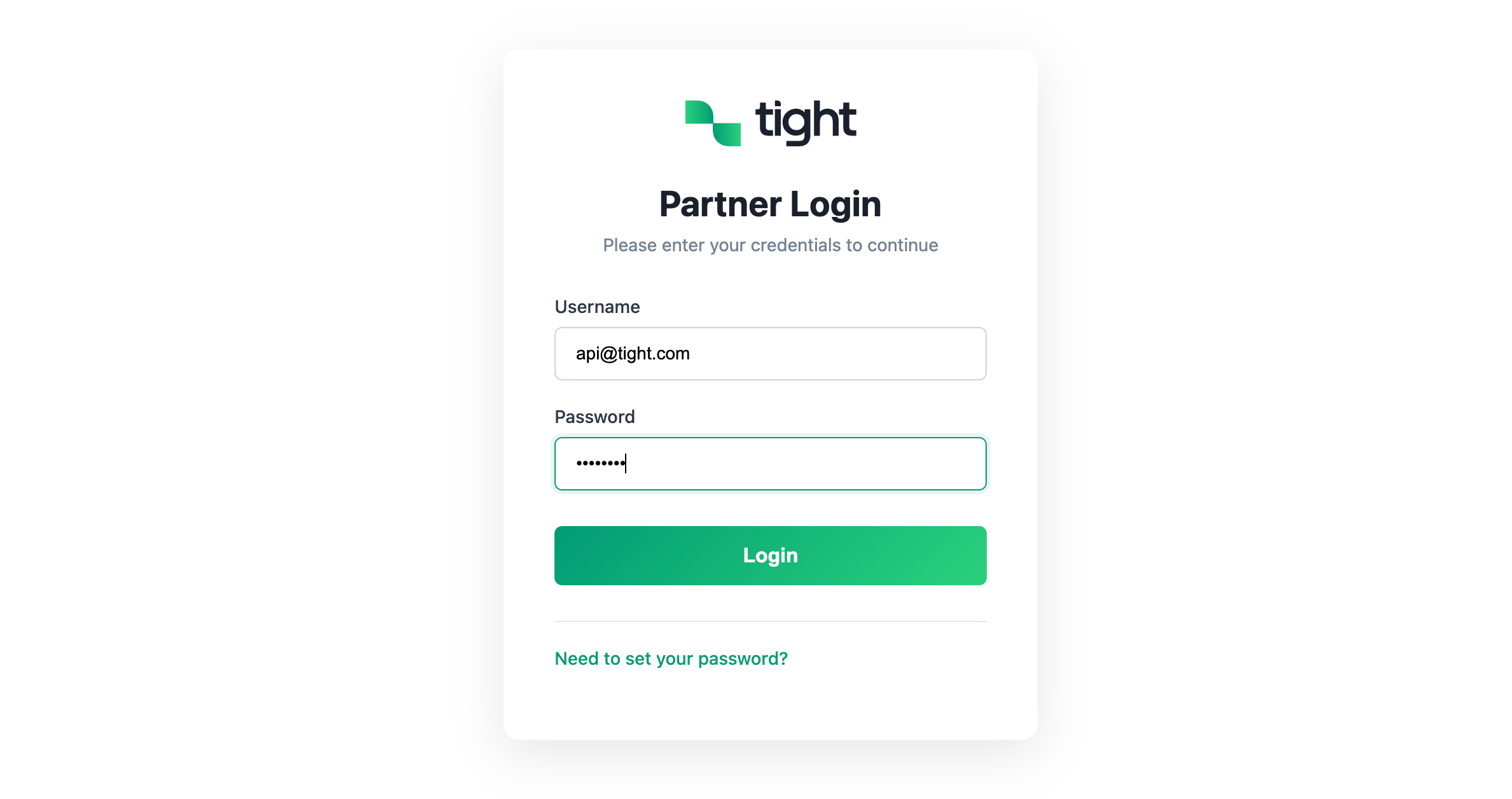
- Read-only: The connection can view your data but cannot make changes.
- Read and write: The connection can both view your data and make changes on your behalf.