

Overview
Tight communicates directly with Gusto to automatically account for payroll directly in your users’ books, including automatically reconciling bank withdrawals against the payroll entries in real-time. The integration works for those integrating with Gusto Embedded Payroll and for end-users that use Gusto directly.Automated Reconciliation
In addition to a seamless UX, you and your users can rest assured knowing that the complex accounting that payroll necessitates is automatically taken care of. When your user runs a payroll, the necessary accounting transactions are automatically created in the user’s General Ledger. Furthermore, when the bank withdrawals come in several days later, the Tight API will automatically reconcile those with the payroll run, keeping the user’s General Ledger and balance sheets in sync, without any manual labor required from your user. That reconciliation process, when done manually, can be very complex, as a single Gusto payroll run typically includes at least three bank withdrawals, all of which need to be mapped to different accounts. With the Tight API, this reconciliation happens automatically, without user input. See the Monthly Payroll Run Example to understand the level of complexity that Tight automates.Gusto (Retail) Payroll
Configure Gusto Retail App
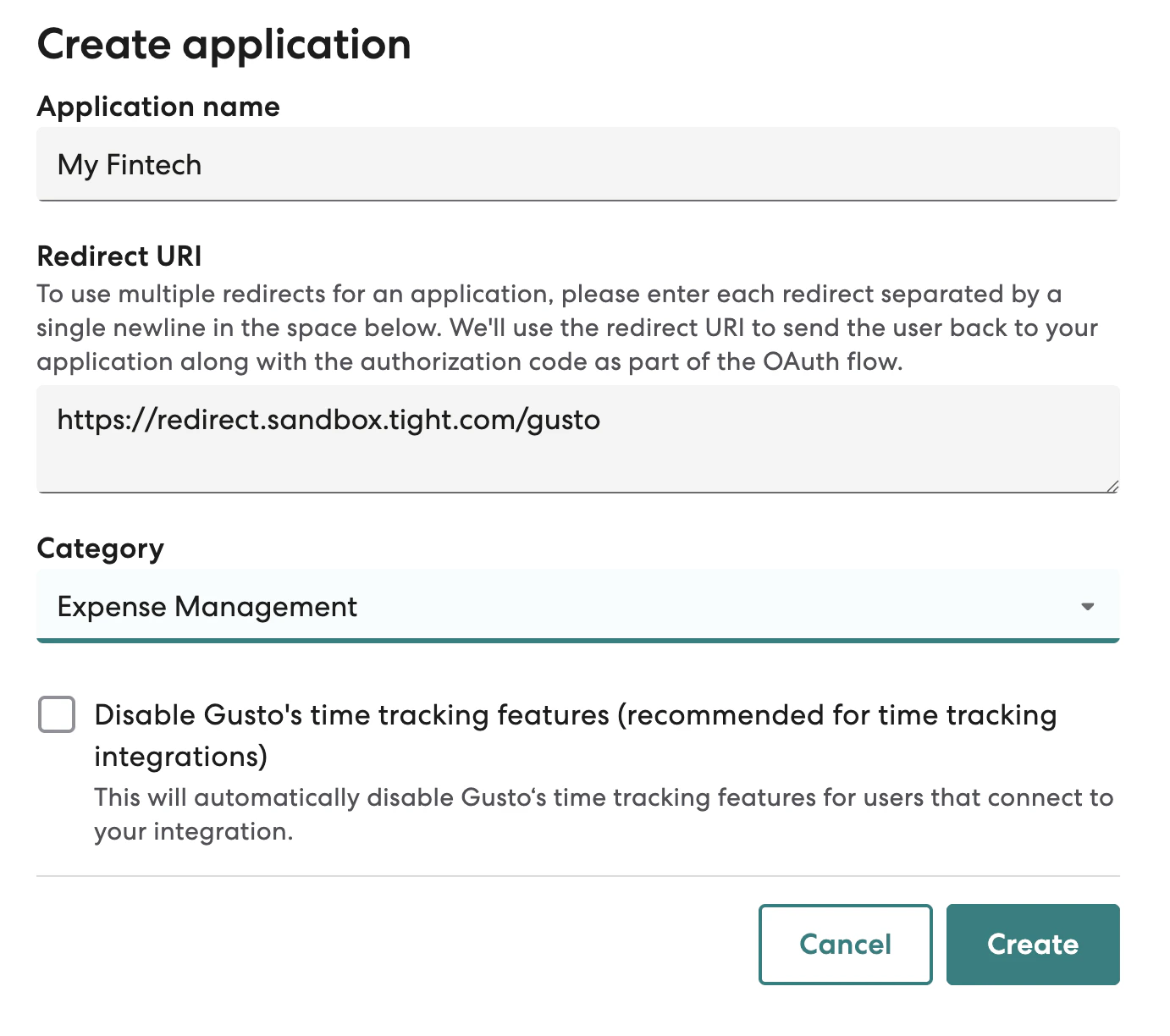
If you haven’t already done so, you should create a developer account with Gusto. Once you’re logged into Gusto’s developer portal, you’ll want to create an Organization, which should be named after your company. Once you have created your Organization, you will need to create an Application, which should be named after your product. First, you should create a product for the “demo” stage. When you create the product, you will be prompted to enter aRedirect URI, which you should enter as
https://redirect.sandbox.tight.com/integrations/gusto:
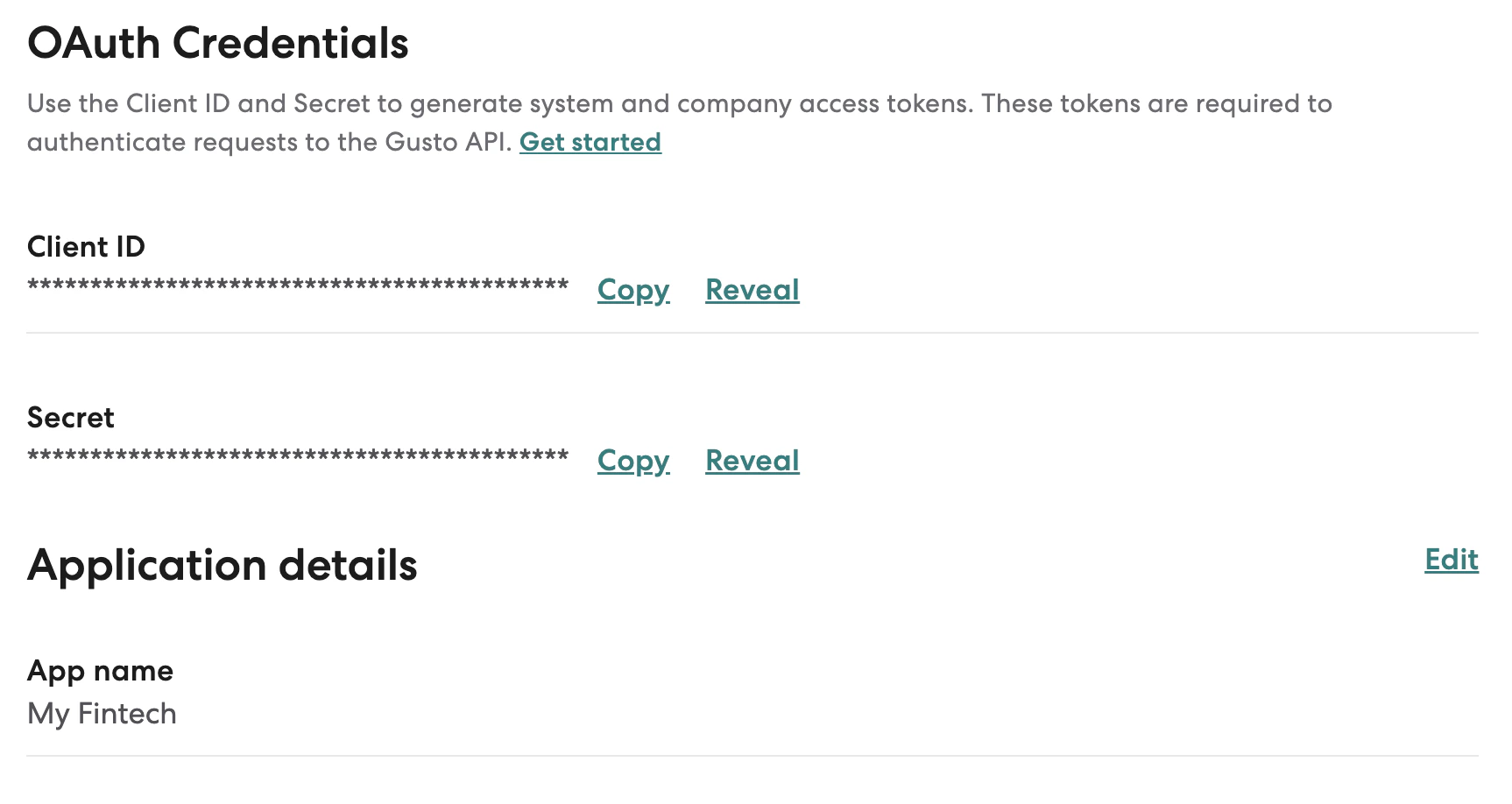
Client ID and
Secret:
https://redirect.prod.tight.com/integrations/gusto as the Redirect URI.
Securely share your Gusto keys
You should then copy both theClient ID and Secret fields, these can be programmatically provided to
the Configure Gusto API.
Connect your user’s Gusto Retail accounts
- For partners including Payroll connection from their own UX, use the Start Gusto Flow API which wraps the entire OAuth 2.0 flow such that you simply need to redirect your user to a single URL.
- Tight’s Embedded UI also provides UX from which users can kick off the Gusto connection flow, e.g. from the Payroll Dashboard