

Overview
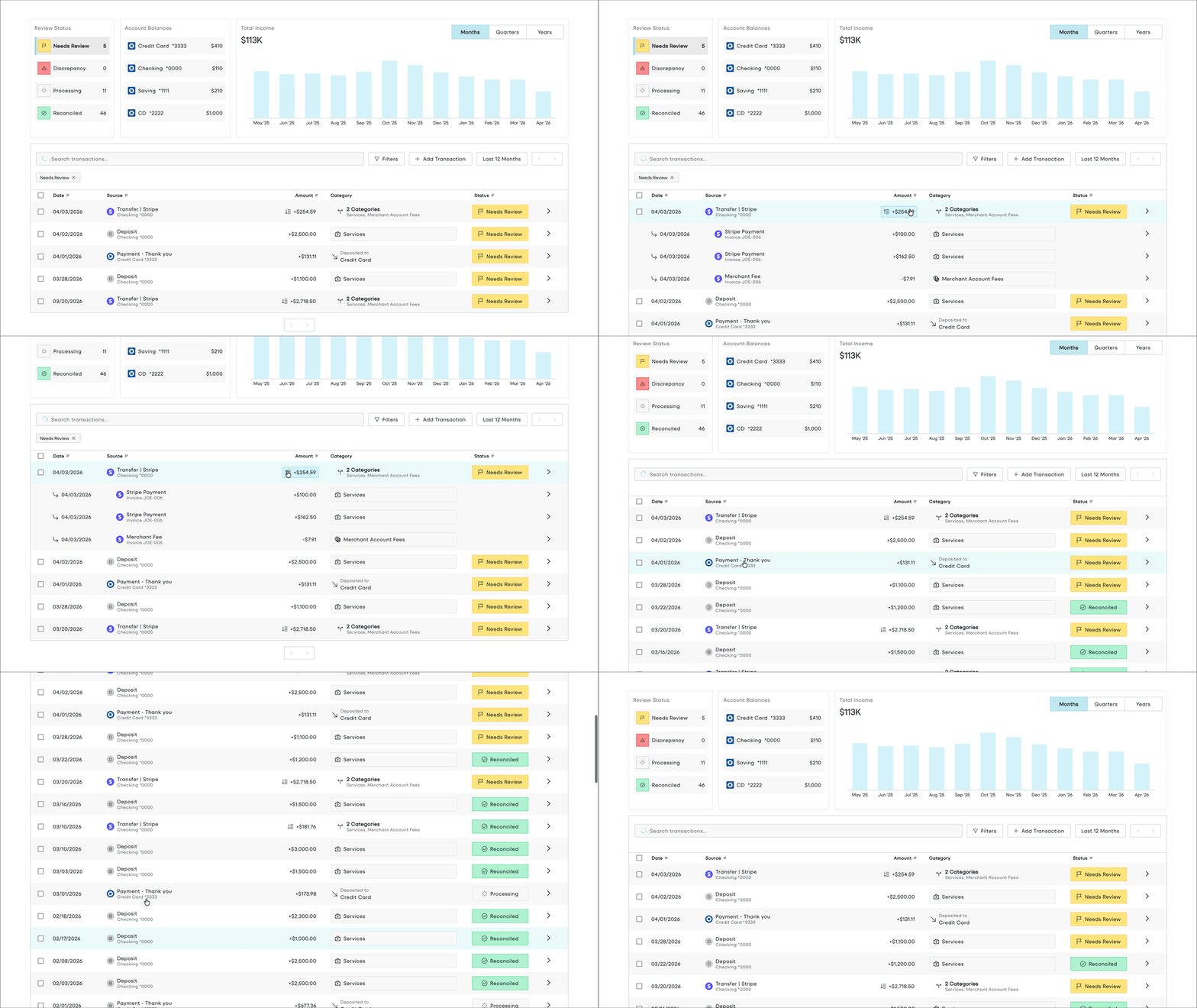
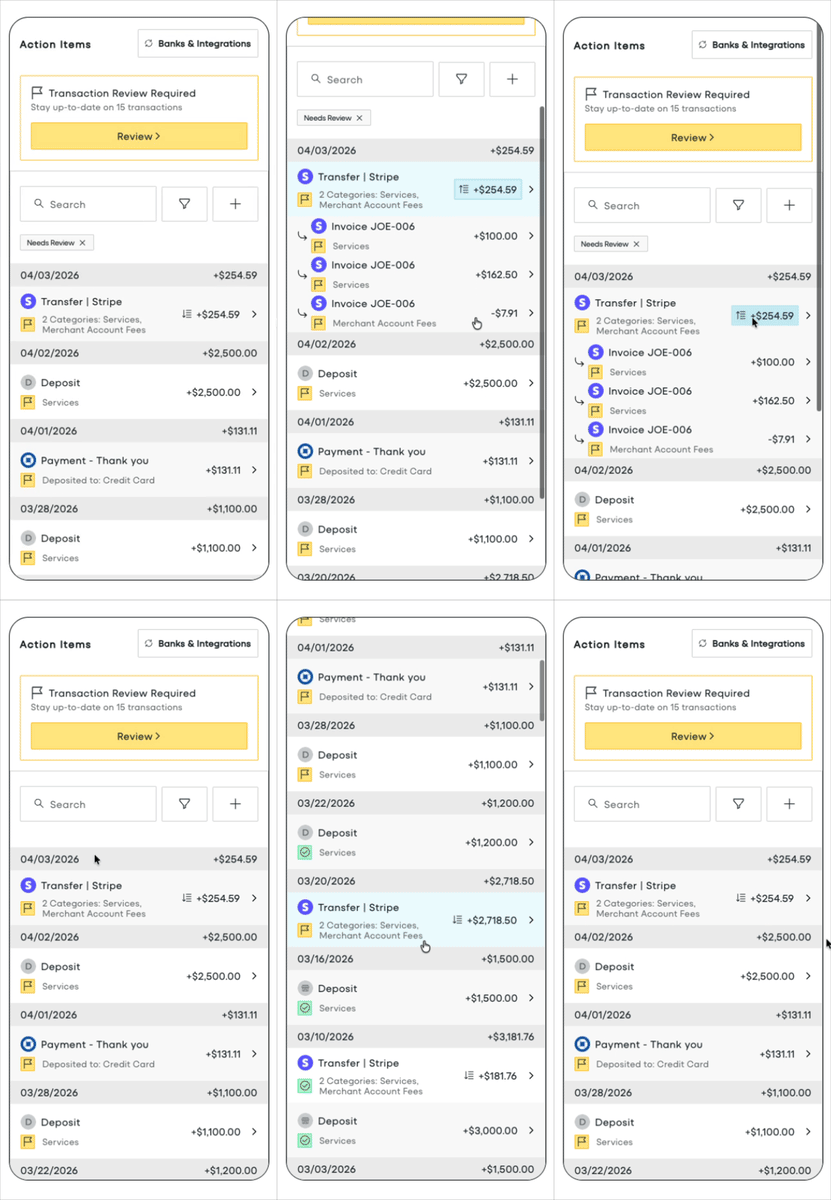
The Income Dashboard is all you need to provide full insight into business income to your users, allowing your users to:- Link bank accounts and credit cards
- See how Tight AI categorized transactions
- Review any transactions that Tight AI could not confidently categorize
- Drill into payouts, to understand which invoices, merchant fees, and other line items comprise a payout
- Visualize income over time
- View/filter/search for income
Embedding the Transactions Dashboard
To initialize the Tight Embedded experience in your React project, follow the instructions on Embedding Tight’s white-labeled UI. Below is an example embedding of the Income Dashboard:IncomeDashboard.tsx
Props
optional
An ordered array describing which table columns to display on the dashboard. Duplicate entries will
be ignored.A column is an object with two fields,
column and width.
column is the name of the column. width is the desired pixel width of the column, and is optional.Available options: date, description, amount, category, reviewStatus, dimensionValueobject
optional
The set of filters to apply to the dashboard.Passing in a value for this prop turns this into a controlled component. As such, you must also pass the
onChangeFilters prop to adjust the filters for user input.function
optional
A function that is called whenever the user changes the filters from the dashboard.
This function will only be invoked if the
filters prop is also provided. The callback takes filters as its single
argument.number
default:25
max: 250
optional
The number of transactions to show on a single page of the Transactions Dashboard.