

Overview
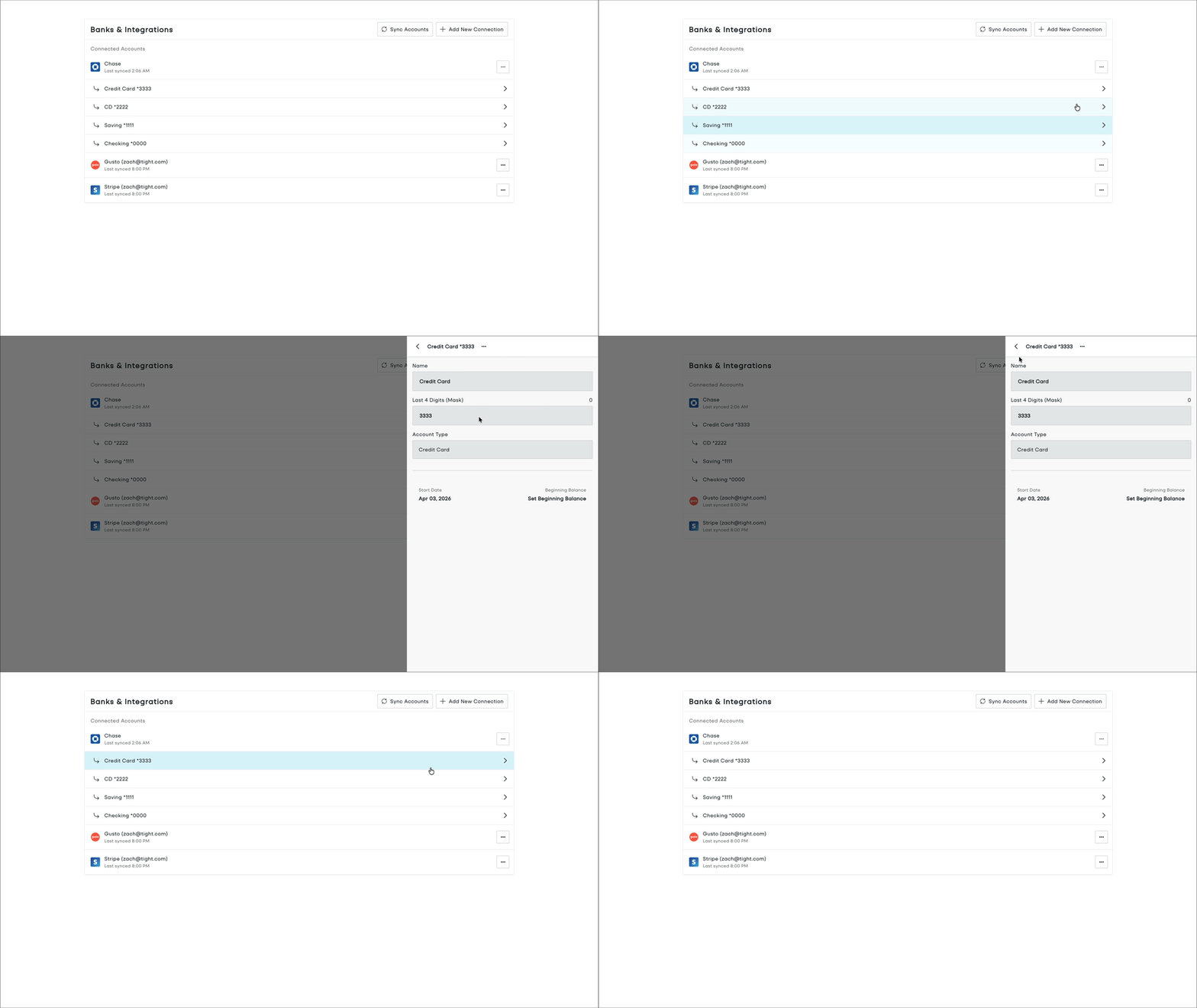
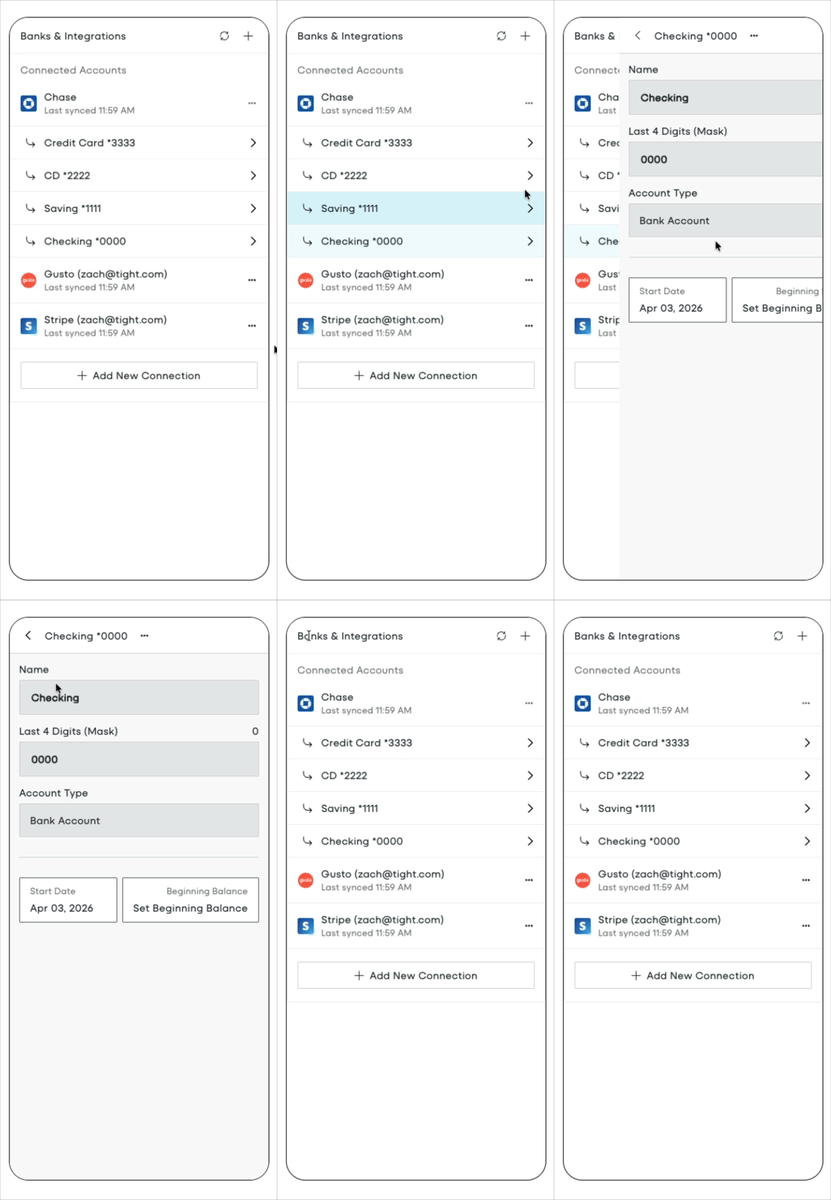
The Banks & Integrations page gives users an intuitive way to manage all of their connected financial accounts and integrations, including:- Linking bank accounts through Plaid
- Connecting other financial accounts via Tight’s native integrations (e.g. Gusto, Shopify, Stripe)
- Creating and maintaining manual accounts
- Setting start dates and beginning balances
- Addressing connection or credential issues
Embedding Banks & Integrations
To initialize the Tight Embedded experience in your React project, follow the instructions on Embedding Tight’s white-labeled UI. Below is an example embedding of the Banks & Integrations page:HomeDashboard.tsx
Props
function
optional
A callback function that is fired whenever a user attempts to open Plaid from the Banks & Integrations page (for
example, when adding a new bank or resolving a connection issue).You should use this if and only if your application already includes Plaid Link, that way you can intercept any user
action in Tight’s Embedded UI that would invoke Plaid Link, so that your application can render Plaid Link.Alternatively, if omitted, Tight’s Embedded UI handles all Plaid Link invocations on your behalf of your application.This function will be called with a single custom
EventData argument with the following schema: