

Overview
Tight communicates directly with Check to automatically account for payroll directly in your users’ books, including automatically reconciling bank withdrawals against the payroll entries in real-time.Automated Reconciliation
In addition to a seamless UX, you and your users can rest assured knowing that the complex accounting that payroll necessitates is automatically taken care of. When your user runs a payroll, the necessary accounting transactions are automatically created in the user’s General Ledger. Furthermore, when the bank withdrawals come in several days later, the Tight API will automatically reconcile those with the payroll run, keeping the user’s General Ledger and balance sheets in sync, without any manual labor required from your user. That reconciliation process, when done manually, can be very complex, as a single Check payroll run and the subsequent withdrawal need to be split over many different accounts. With the Tight API, this reconciliation happens automatically, without user input. See the Monthly Payroll Run Example to understand the level of complexity that Tight automates.Get Started
Configure Check Integration
If you haven’t already done so, you should create a developer account with Check at checkhq.com. Once you’re logged into Check’s Dashboard, navigate to the API Keys section to access your credentials.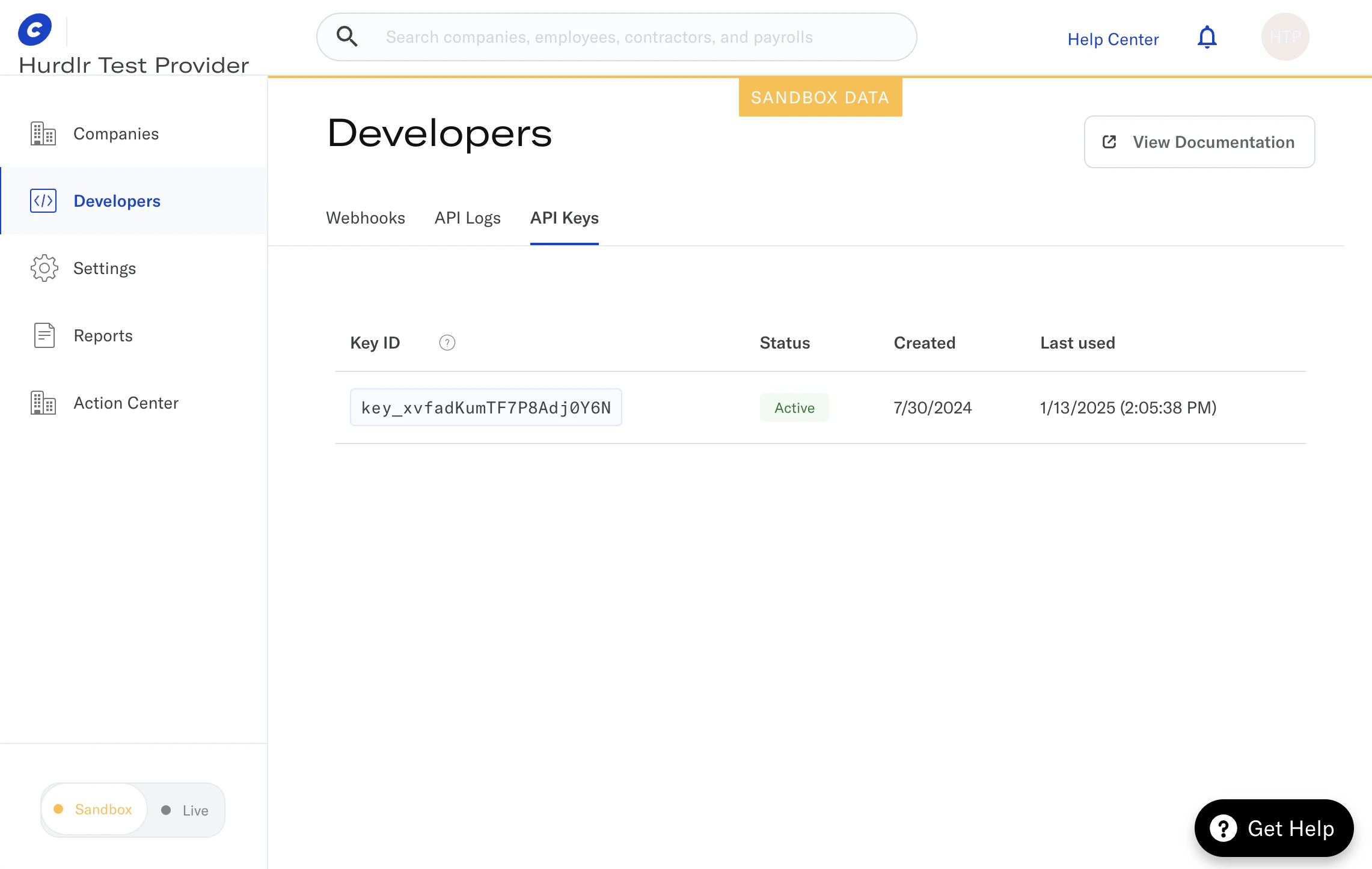
Securely share your Check keys
You should then copy yourKey ID, this can be programmatically provided to
the Configure Check API.
For production deployment, repeat these steps using Check’s Live mode toggle.