Overview
Instead of building a customer support integration in-house, Tight integrates directly with Front to facilitate transaction-level communication between bookkeepers and business owners. This enables contextual collaboration where bookkeepers can ask questions about specific transactions without copying data or switching between workspaces. Through this native integration, bookkeepers can select transactions within Tight’s embeddable UI and prefill messages with transaction details. Tight automatically forwards these messages to Front and routes responses back to the appropriate bookkeeper. Business owners communicate via their preferred method (email), without knowing Front is being used behind the scenes.Getting started
If you haven’t already done so, you should create a Front account for your company/app.Create a Communication Channel
After you have created your Front account, you will need to create a Channel from your Front settings. A Channel represents the method through which your bookkeepers will communicate to your users, all via a single point of contact from your users’ perspective. For example, your users might receive emails frombookkeepers@bookkeepingCo.com, even though multiple bookkeepers are communicating
through that same Channel. During Channel creation, Front will also walk you through how to set up an Inbox, which is
how Front will group conversations with your clients.
Create Front API Token
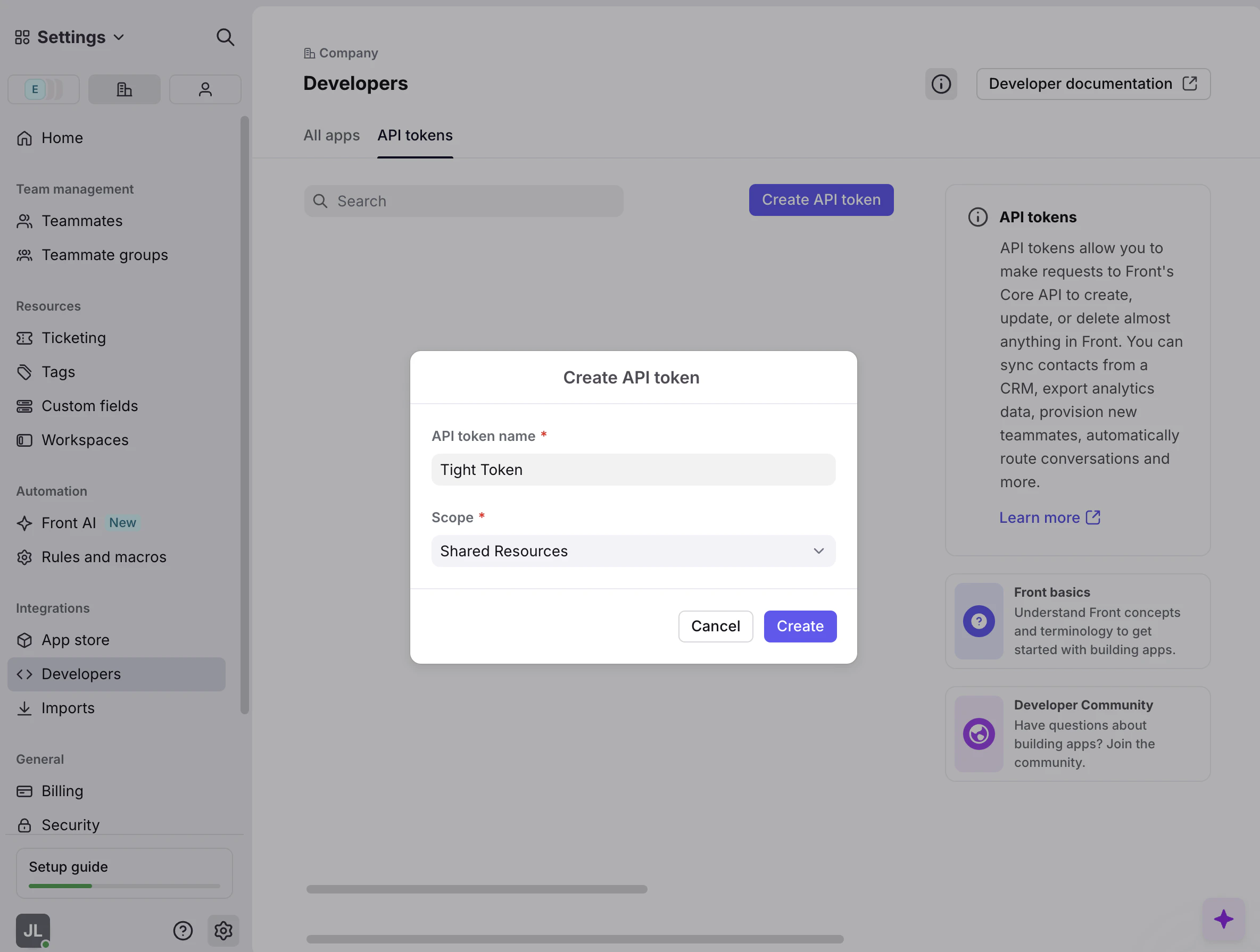
Navigate to the “API Tokens” tab of your Front developer settings. You can then create a token with a name like “Tight Token”, and ensure that you pick the “Shared Resources” scope. You should note down theAPI Token
field after creation.