

1. Create a bucket
The first step to configuring your Tight API data lake is to create an Amazon S3 bucket to store Tight API data. You can name this bucket anything you’d like; “hurdlr-api-data” is used for the examples shown below.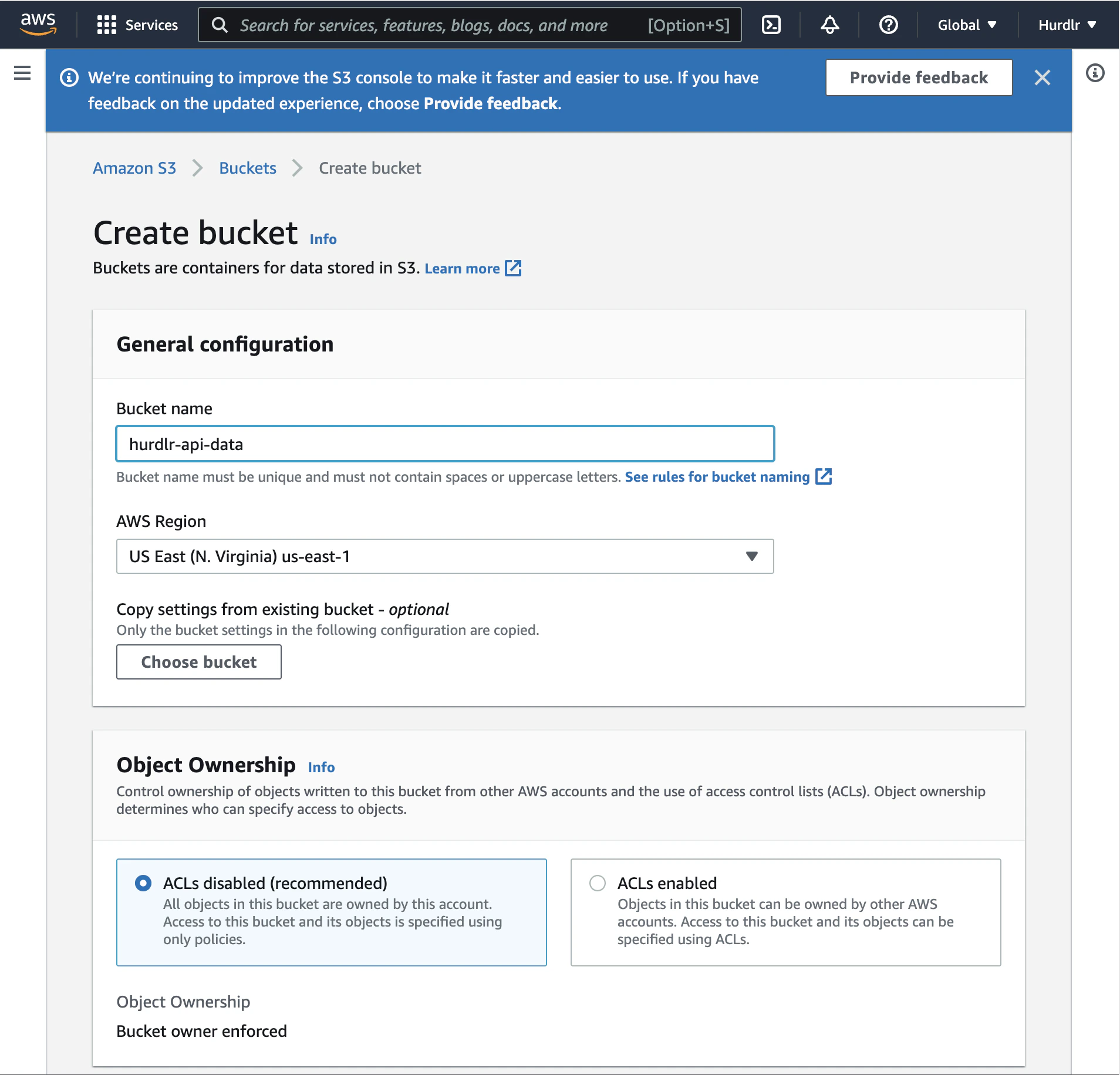
2. Configure a policy for programmatic access to the bucket
Next, you’ll need to create an IAM policy to grant programmatic access to the Amazon S3 bucket that we created above. The first step on the “Create policy” flow will give you the option to use the Visual Editor or JSON. You should select the JSON option, and then paste the following JSON in there: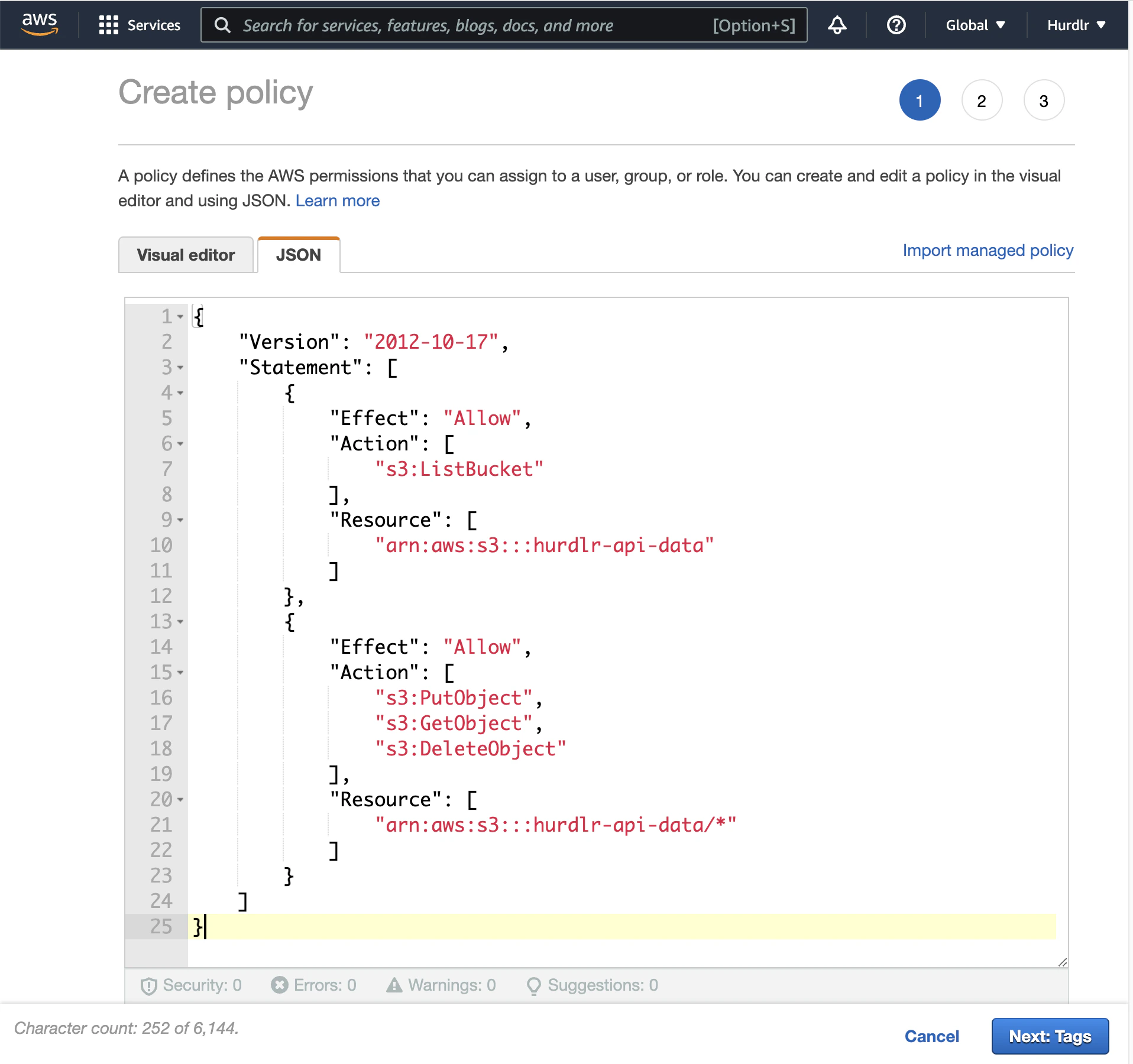
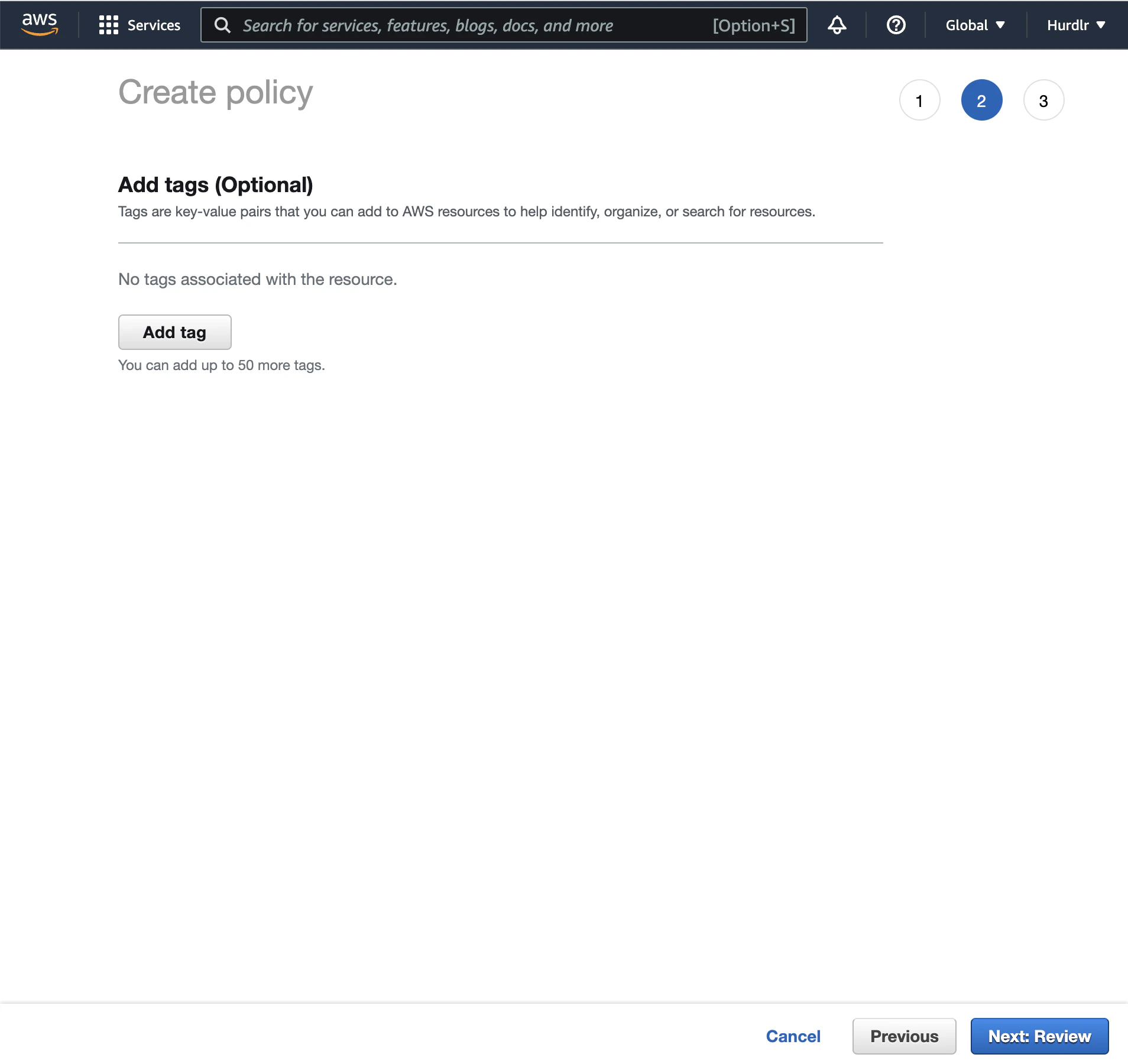
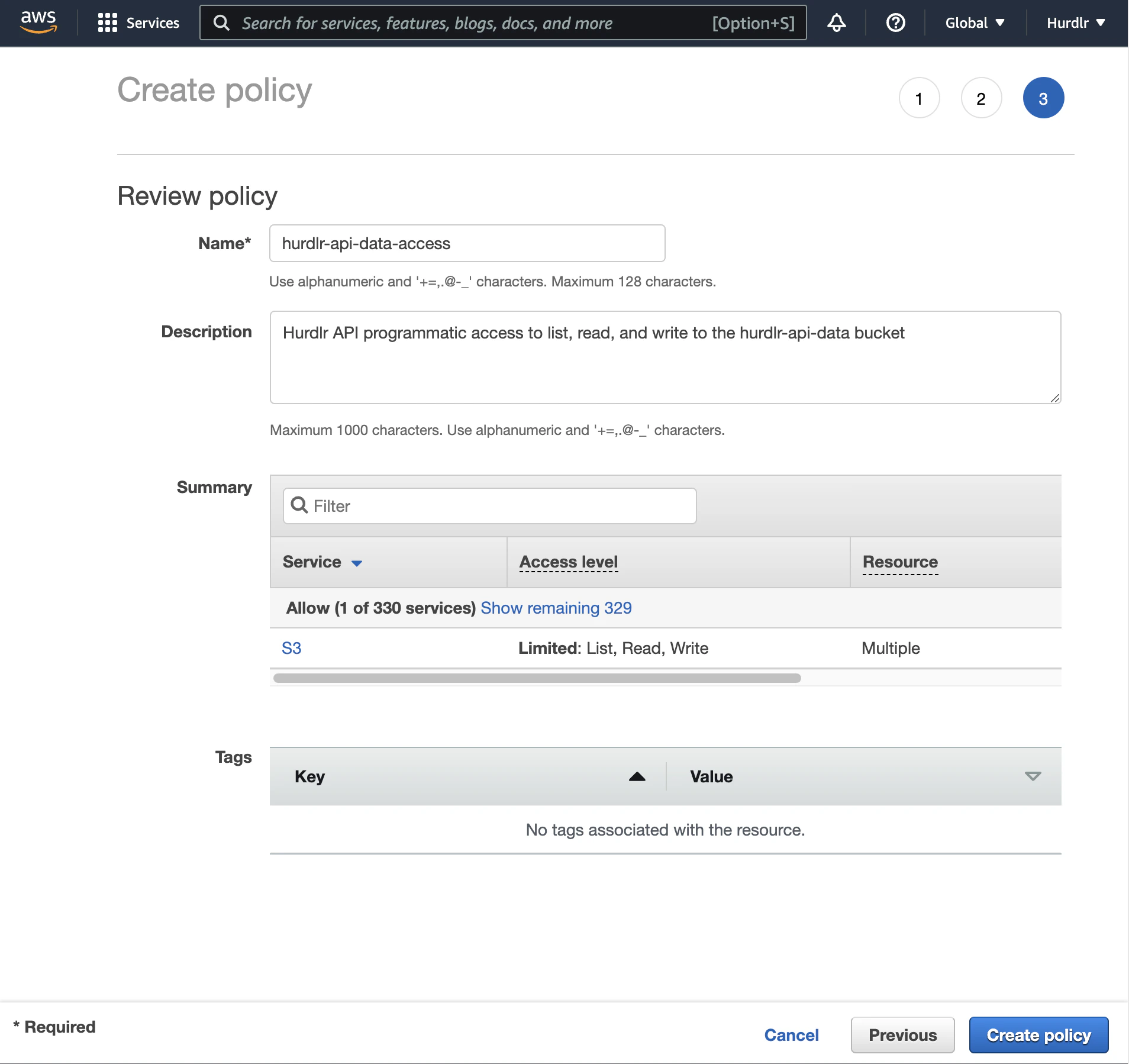
Name and Description. We recommend setting the Name to “hurdlr-api-data-access”.
3. Add an IAM user using the new policy
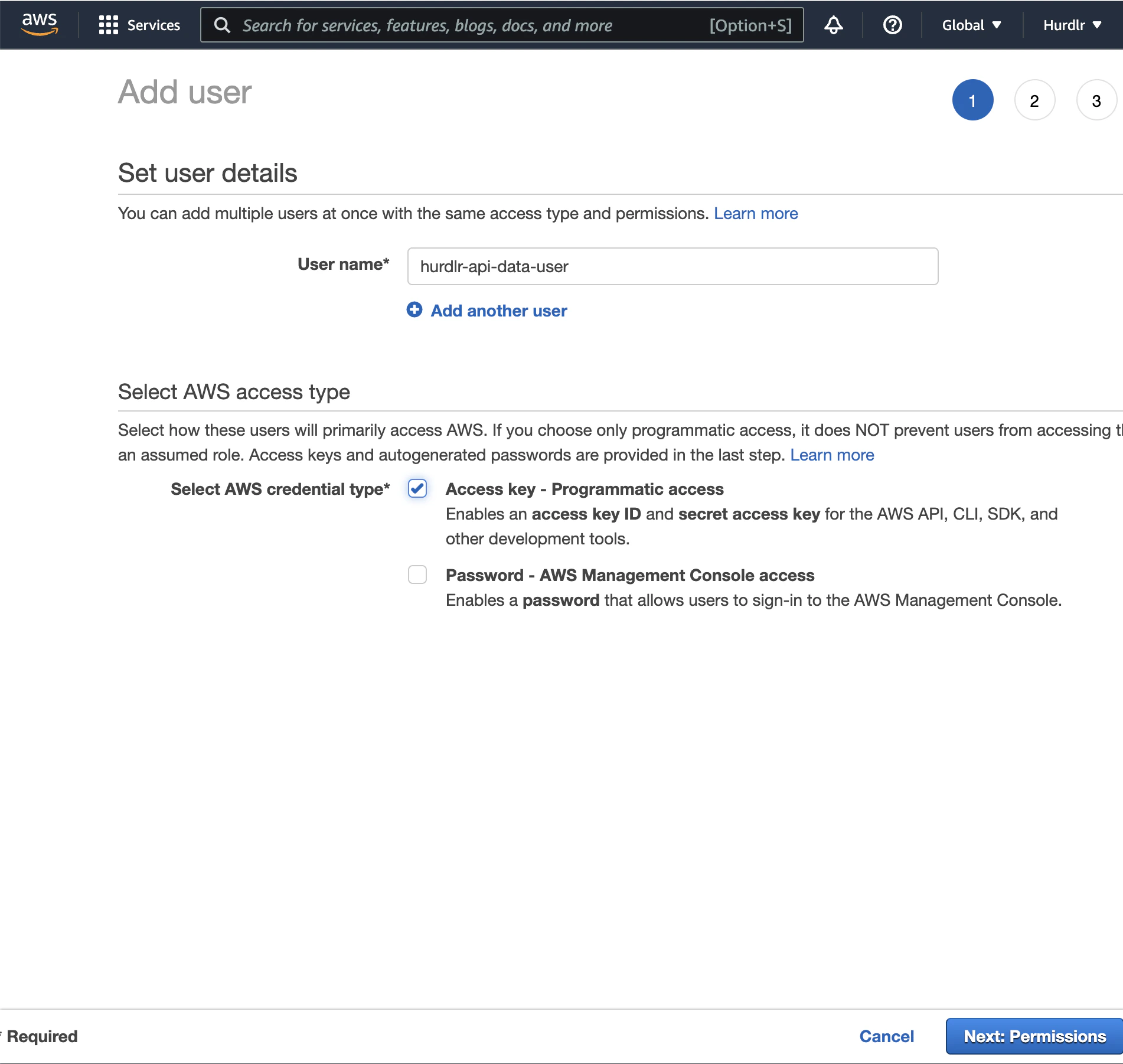
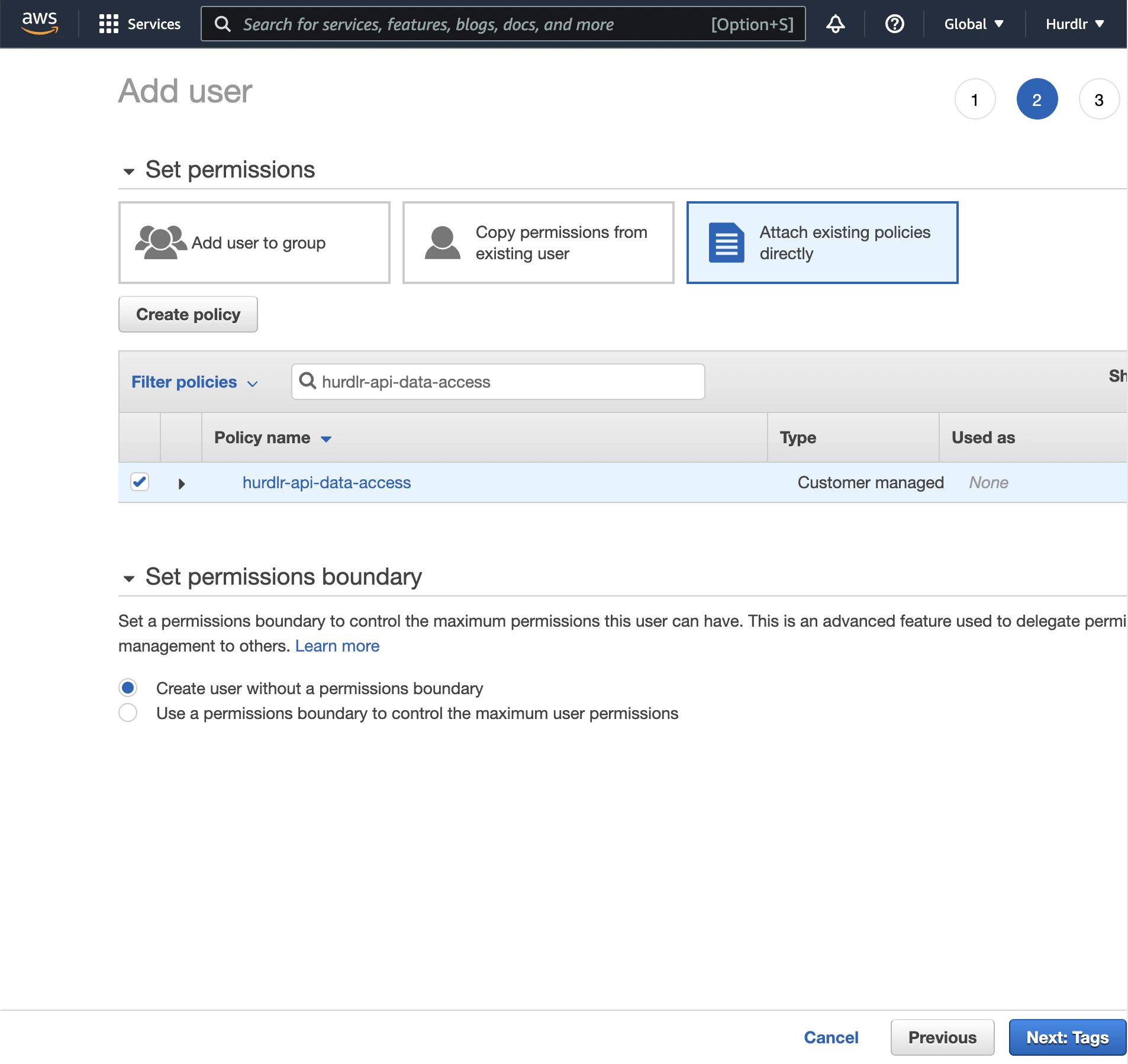
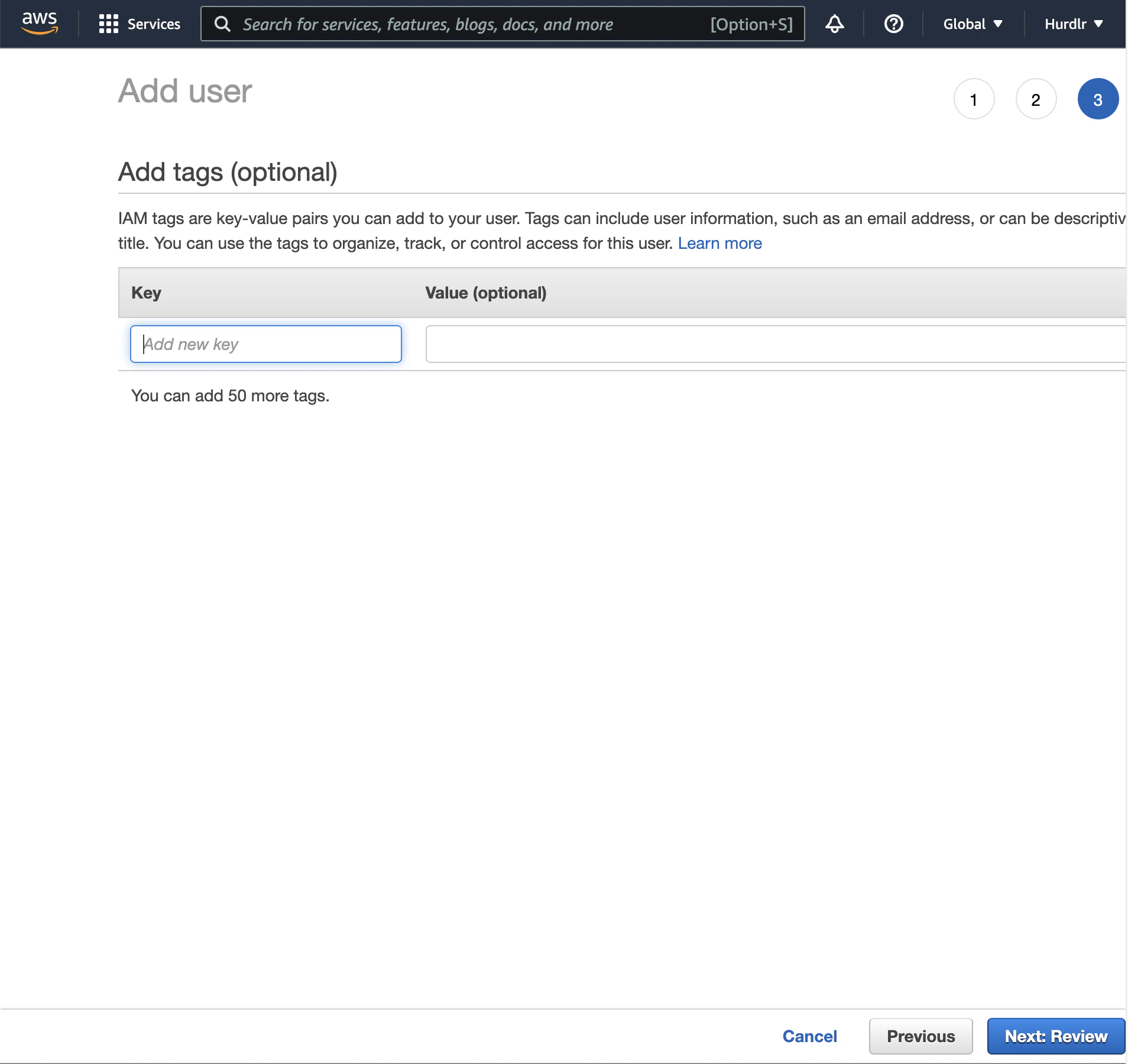
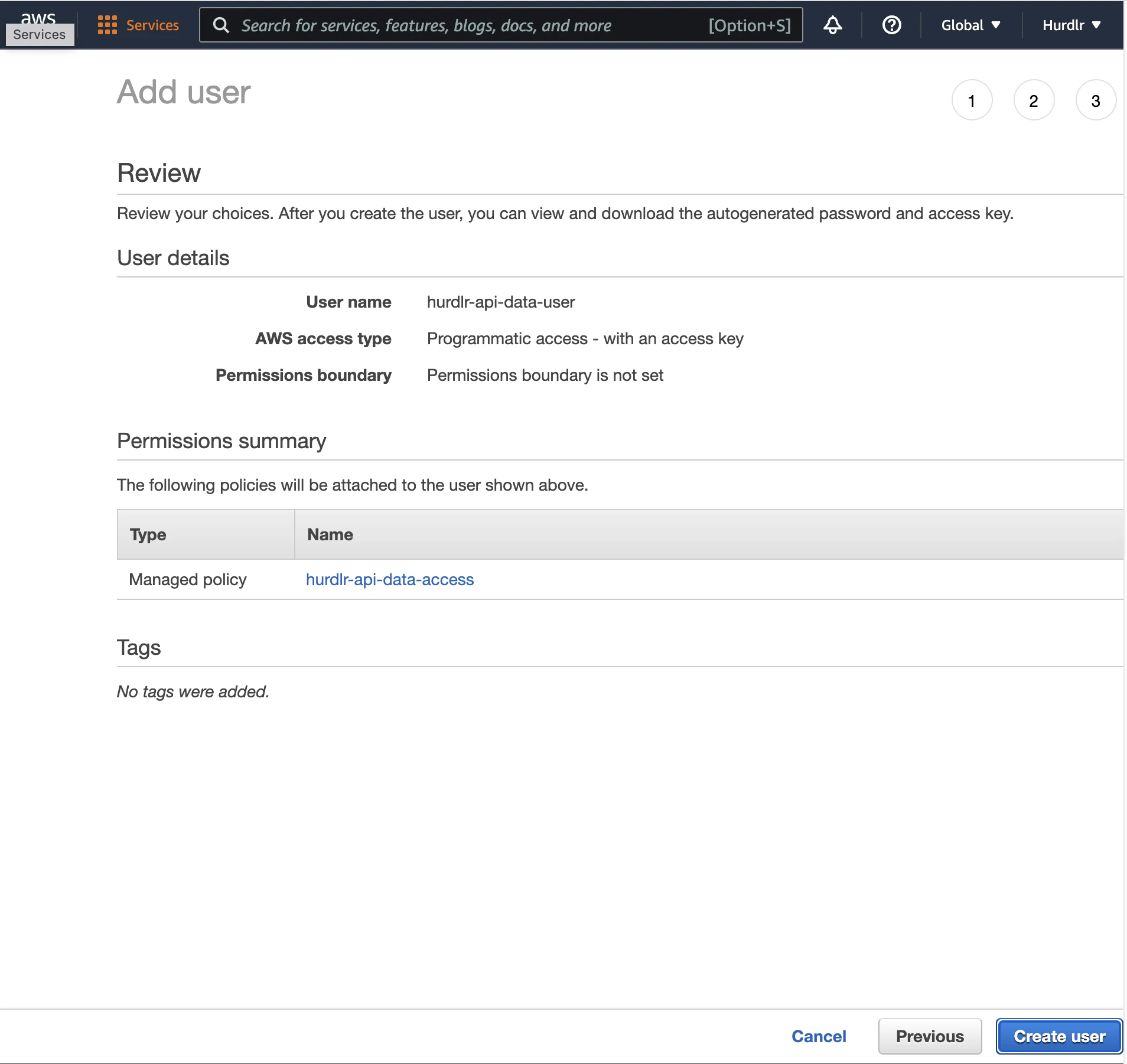
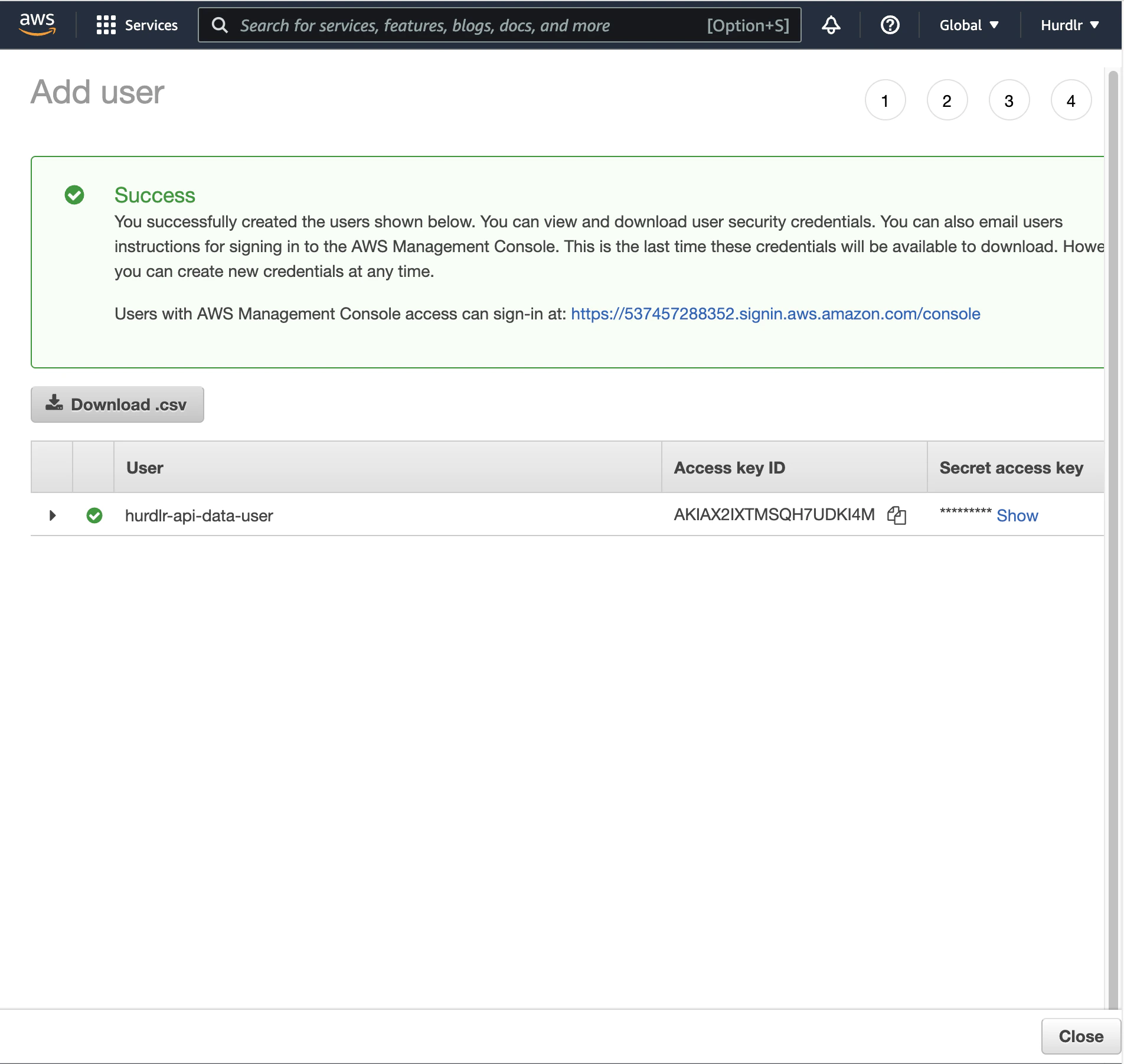
Next, you’ll need to add an IAM user using the new policy created in the prior step. The first step on the “Add user” flow will ask you to input aUser name, for which we recommend using “hurdlr-api-data-user”.
4. Securely share access with Tight
Contact us directly at api@tight.com for instructions on how to securely share: A. the CSV that you generated at the end of Step 3B. the AWS region from Step 1