

Overview
Instead of building an integration with Moov in-house, Tight communicates directly with Moov on your behalf using your Moov facilitator account. This enables you to own the relationship between your customer and Moov, including any associated economic benefits, while getting a seamless invoicing user experience with automatic payment reconciliation on the user’s books.Automated Reconciliation
Moov processes credit card payments for invoices sent by your users. When utilizing one of the Tight Bank Transactions integrations, e.g. Plaid, the bank deposit to the user’s bank account will also be ingested by the Tight API as part of that integration’s bank feed. Importantly, Tight’s algorithms automate the reconciliation between that bank deposit and the itemized transactions within Moov, saving your users time that would have otherwise been spent manually reconciling these transactions in legacy accounting systems. See the Invoice Payout Example to understand the level of complexity that Tight automates.Create a Moov Account
If you haven’t done so already, Tight can introduce you to Moov to get your team registered quickly. Alternatively, you can create a Moov account directly for your company/app.Setup Moov Integration
When you first access your Moov account dashboard, the header will display “Viewing test account”, indicating you’re in Moov’s Test mode. Complete the following setup steps in Test mode first.Step 1: Create API Keys
- Navigate to Developers > API Keys from the left-hand navigation pane
- Click the “New API key” button on the top right
- In the “Name” field, add a descriptive name
- Under “Domains”, add your application’s domains
- Click “Create API key”
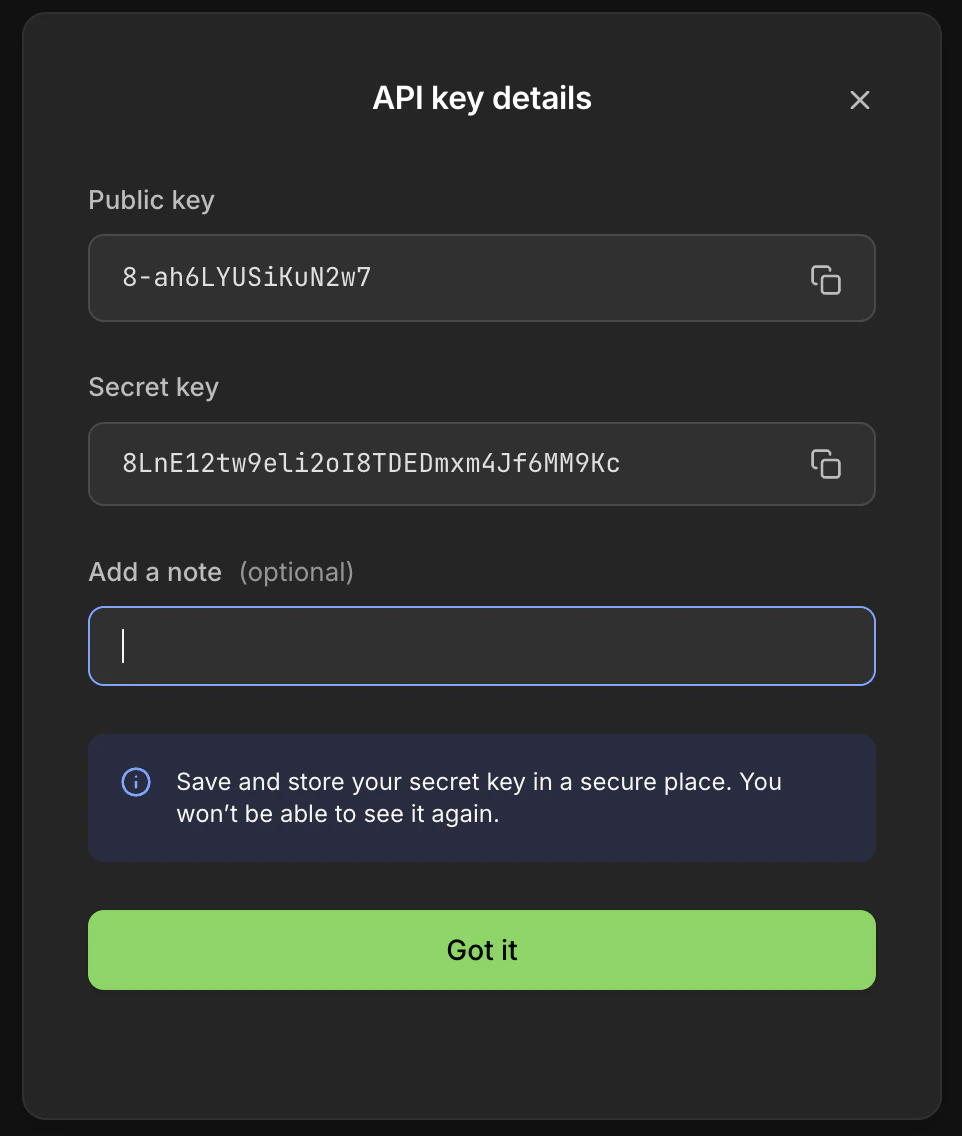
- Note down the “Public key” and “Secret key” shown, as they will only be displayed once
Step 2: Configure Webhooks
Webhooks enable Tight to receive real-time updates about payment events from Moov.- Navigate to Developers > Webhooks from the left-hand navigation pane
- Click the “New webhook” button on the top right
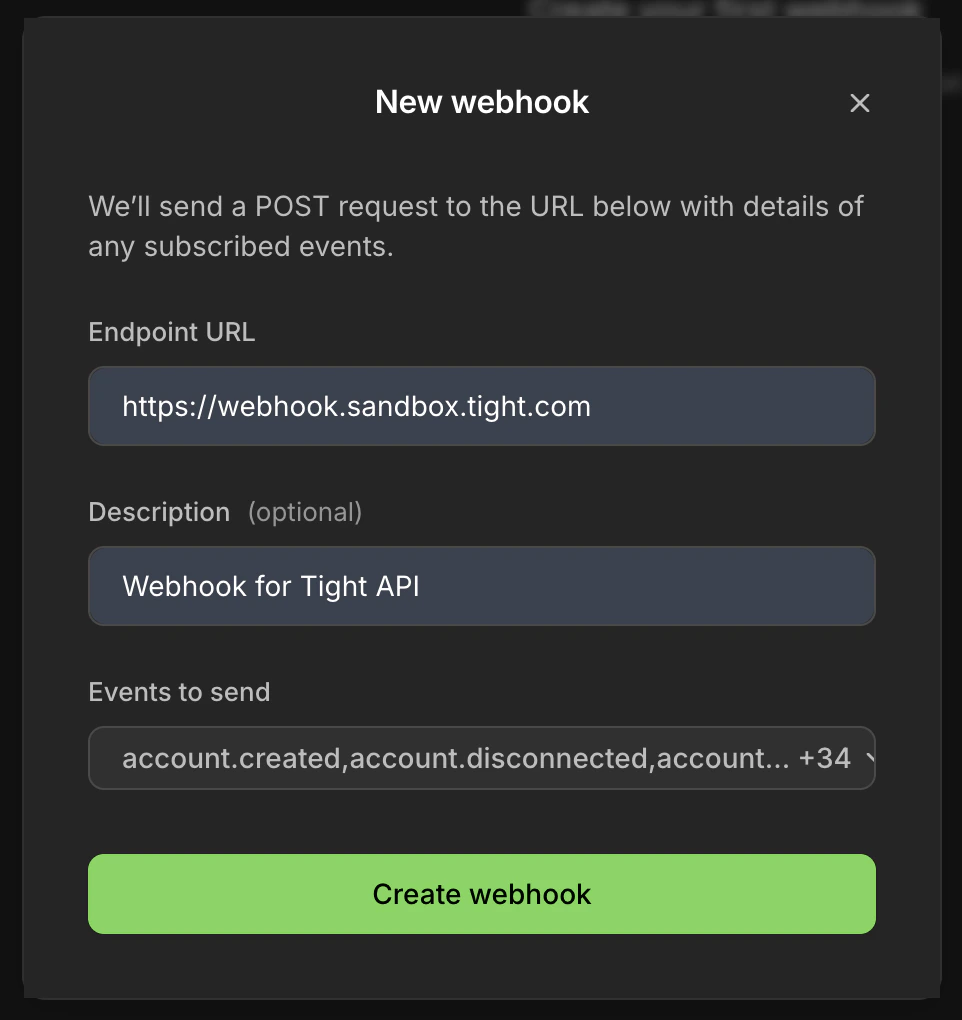
- Configure the webhook:
- Endpoint URL (Sandbox):
https://webhook.sandbox.tight.com/moov - Endpoint URL (Production):
https://webhook.prod.tight.com/moov - Description: “Webhook for Tight API”
- Events to send: Select “All events”
- Endpoint URL (Sandbox):
- Click “Create webhook”
Step 3: Get Facilitator Account ID
- Navigate to Settings > Business details from the left-hand navigation pane
- Note down the “Account ID” displayed - this is your Moov facilitator account ID
Configure Fee Schedule
As the facilitator of payments between your users (merchants) and their clients, you can monetize your payment flows by collecting fees. Your fee structure should be finalized with your Moov point-of-contact. If you need an introduction to a Moov representative, contact Tight support. Your fee schedule consists of:- Moov’s base fee - Fixed fee per payment charged by Moov
- Your base fee - Additional fixed fee per payment (optional)
- Moov’s percentage fee - Percentage of payment amount charged by Moov
- Your percentage fee - Additional percentage of payment amount (optional)
Your users will only see the total base fee (Moov’s + yours) and total percentage fee (Moov’s + yours) when processing payments.
Securely Share Your Moov Credentials
Once you have collected all the required information, use the Configure Moov API to securely share your Moov credentials with Tight:- Moov facilitator Account ID
- Public key and Secret key from API Keys
- Complete fee schedule (base fees and percentage fees)