

1. Customizing the embedded UI to match your branding
Once you’ve received your Tight API keys, the Tight API team will reach out to you requesting the following assets to ensure the Embedded experience is custom-tailored to match your brand: a. Figma design files or screenshots of any existing UI designs that you haveb. Your brand’s color palette, including hex codes
c. Font packages used in your UI
d. Your logo, ideally as an SVG Tight’s approach to white-labeling allows more extensive customization than more common do-it-yourself UI components:
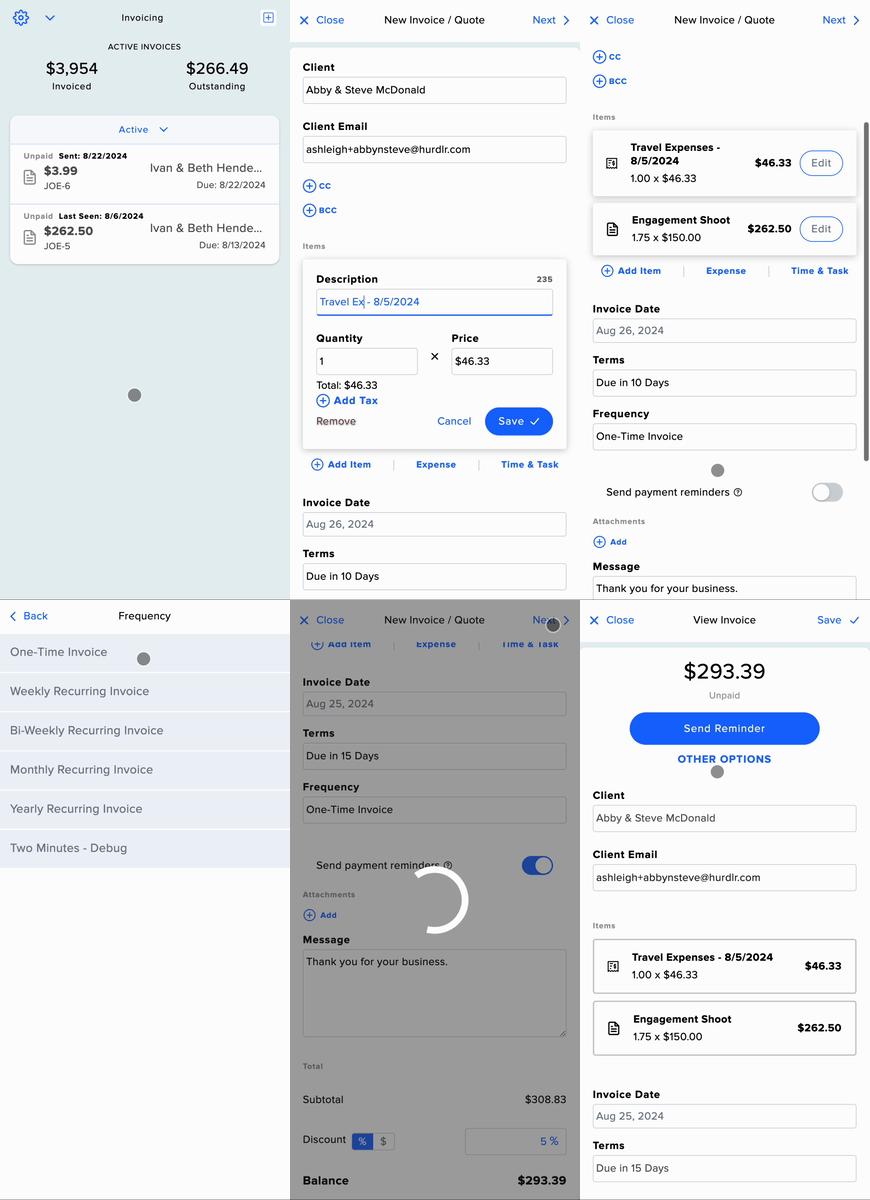
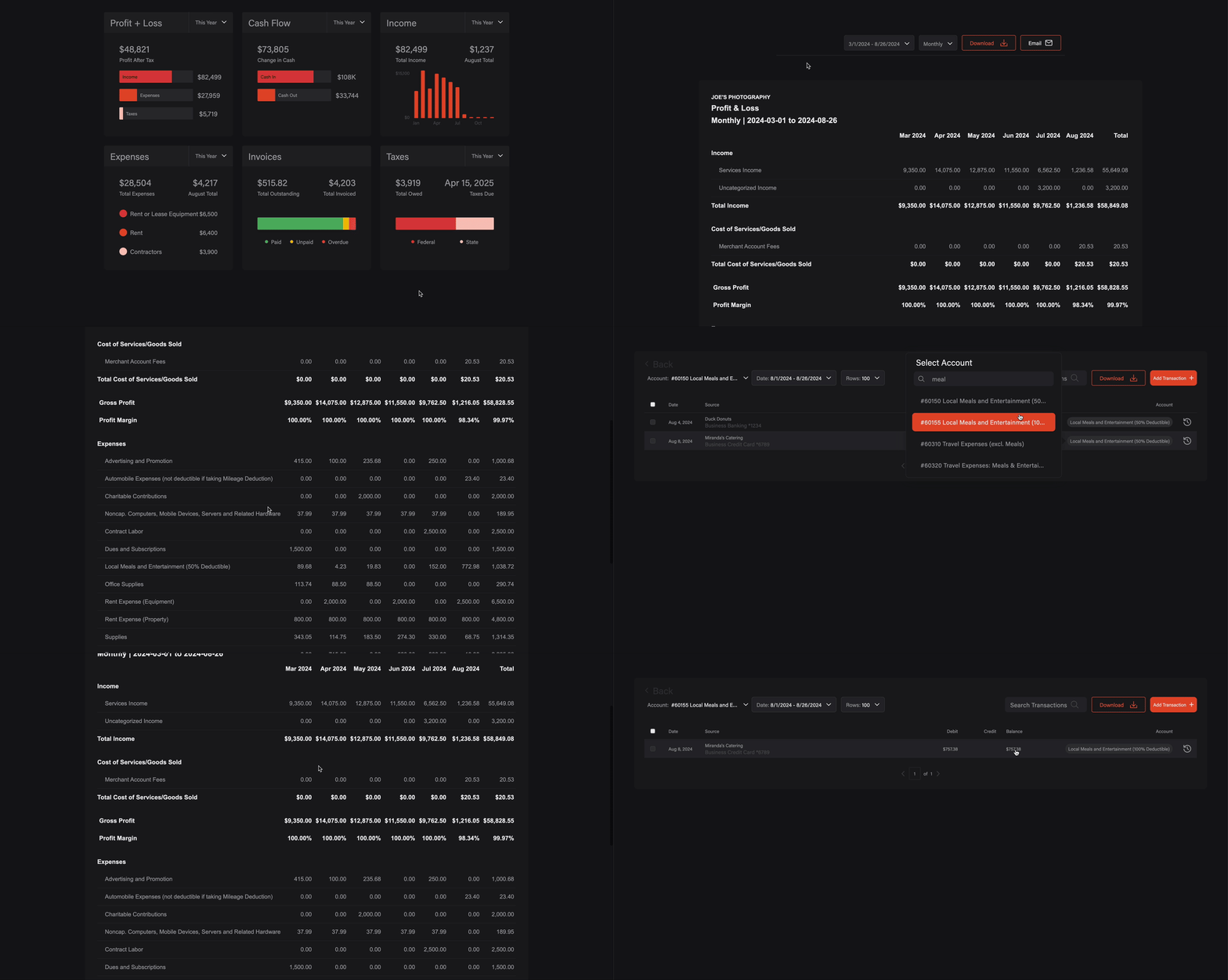
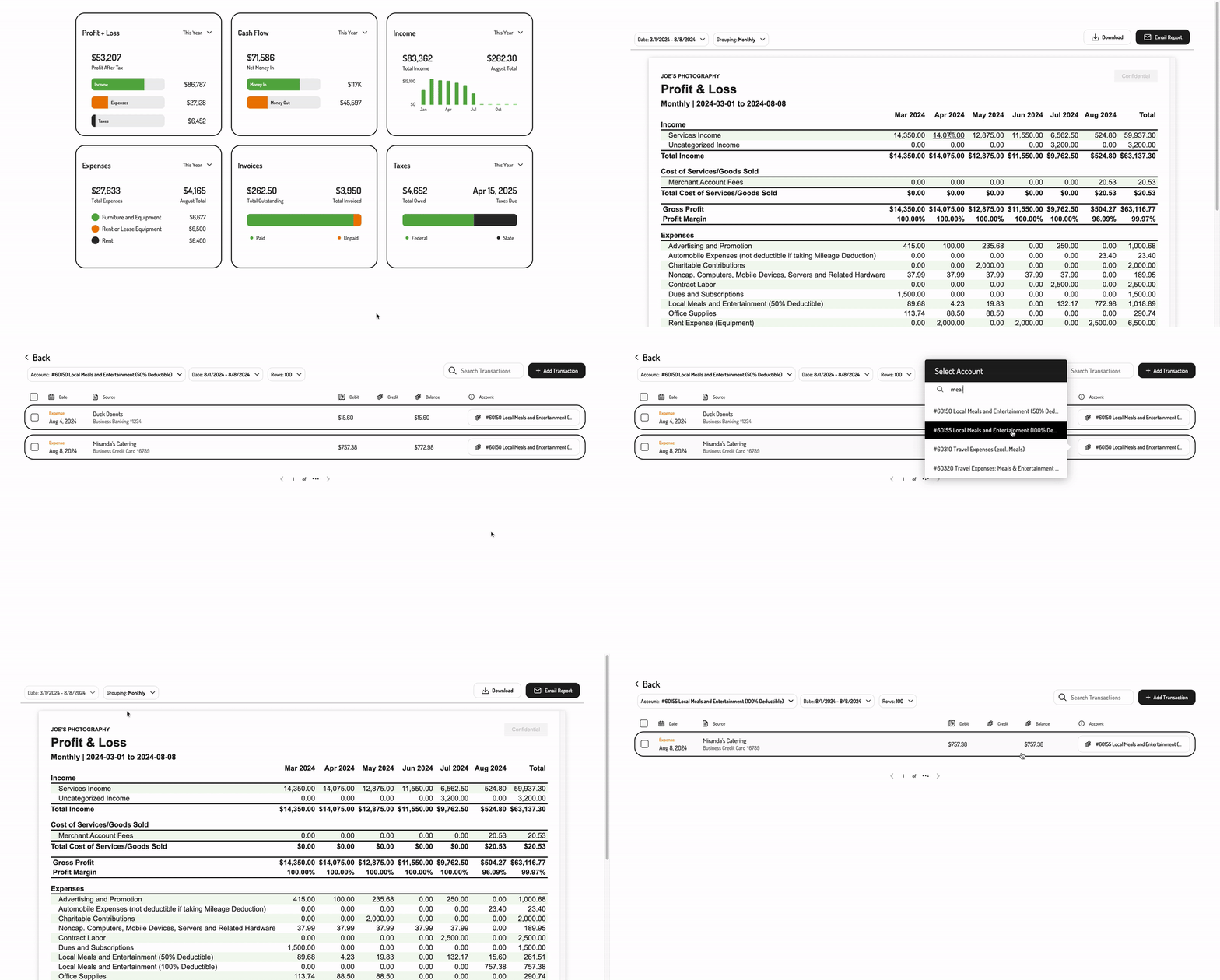
2. Embedding Tight’s white-labelled UI (Tight SDK)
Your team can add the Embedded experience into your product in parallel with the Tight team customizing the look and feel. Once the Tight team has completed the custom design implementation, they will automatically be associated with your Tight APIclient_id and show up in your Embedded experience.
To add Tight Embedded to your web app, simply follow the steps on how to get started with Tight Embedded.