1. Initializing the Embedded Experience
To initialize the Tight Embedded experience in your project, follow the instructions on Embedding Tight’s white-labelled UI.2. Adding the Chart of Accounts (real-time balance sheet) to your app
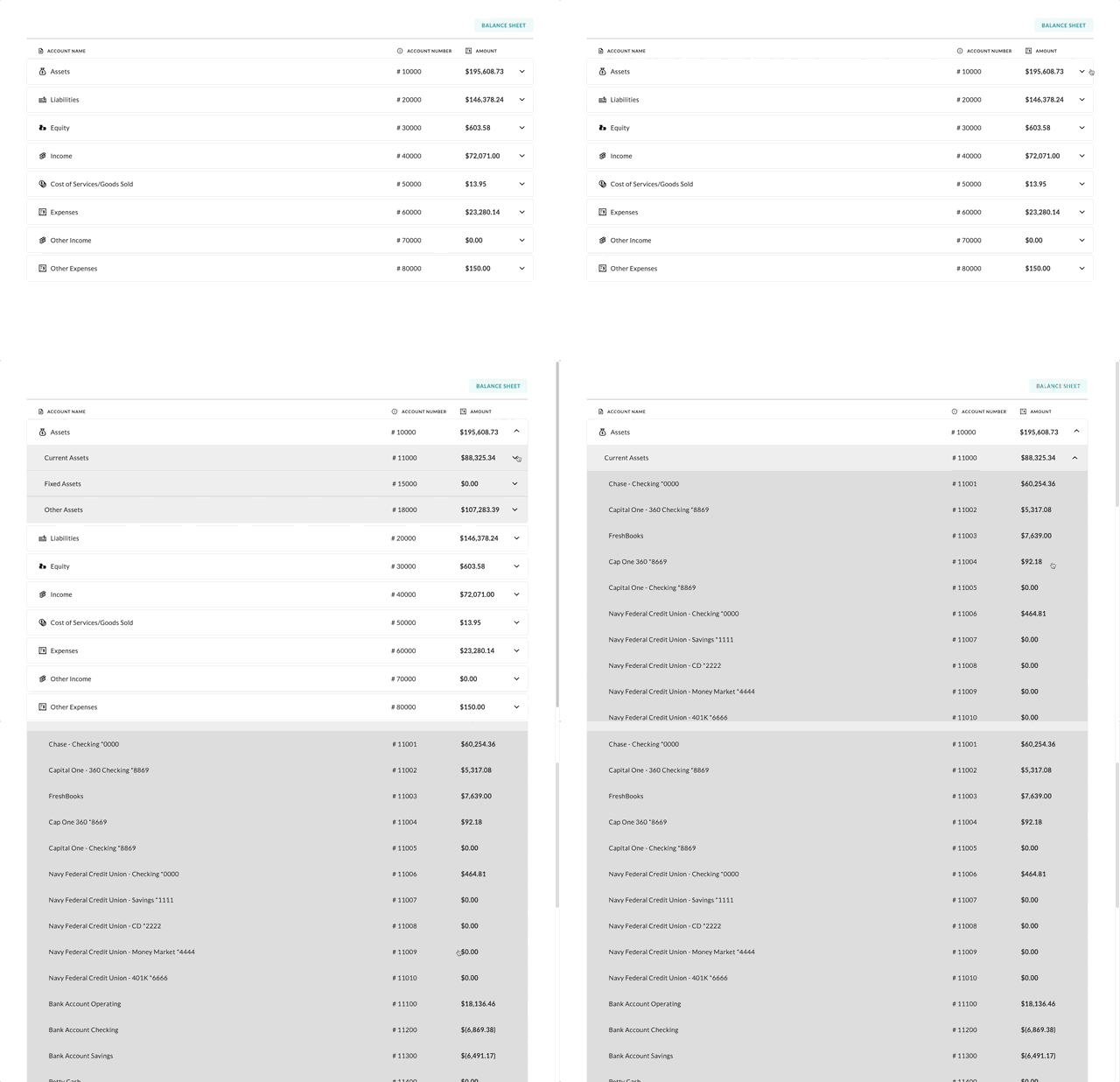
To render the Chart of Accounts, you will need to provide theelementId parameter, which is the HTML id of the main <div> where you would like the Chart of Accounts to render. When your user taps on your “Chart of Accounts” navigation CTA, you simply need to invoke the following line of javascript:
3. Customizing the UI to match your branding
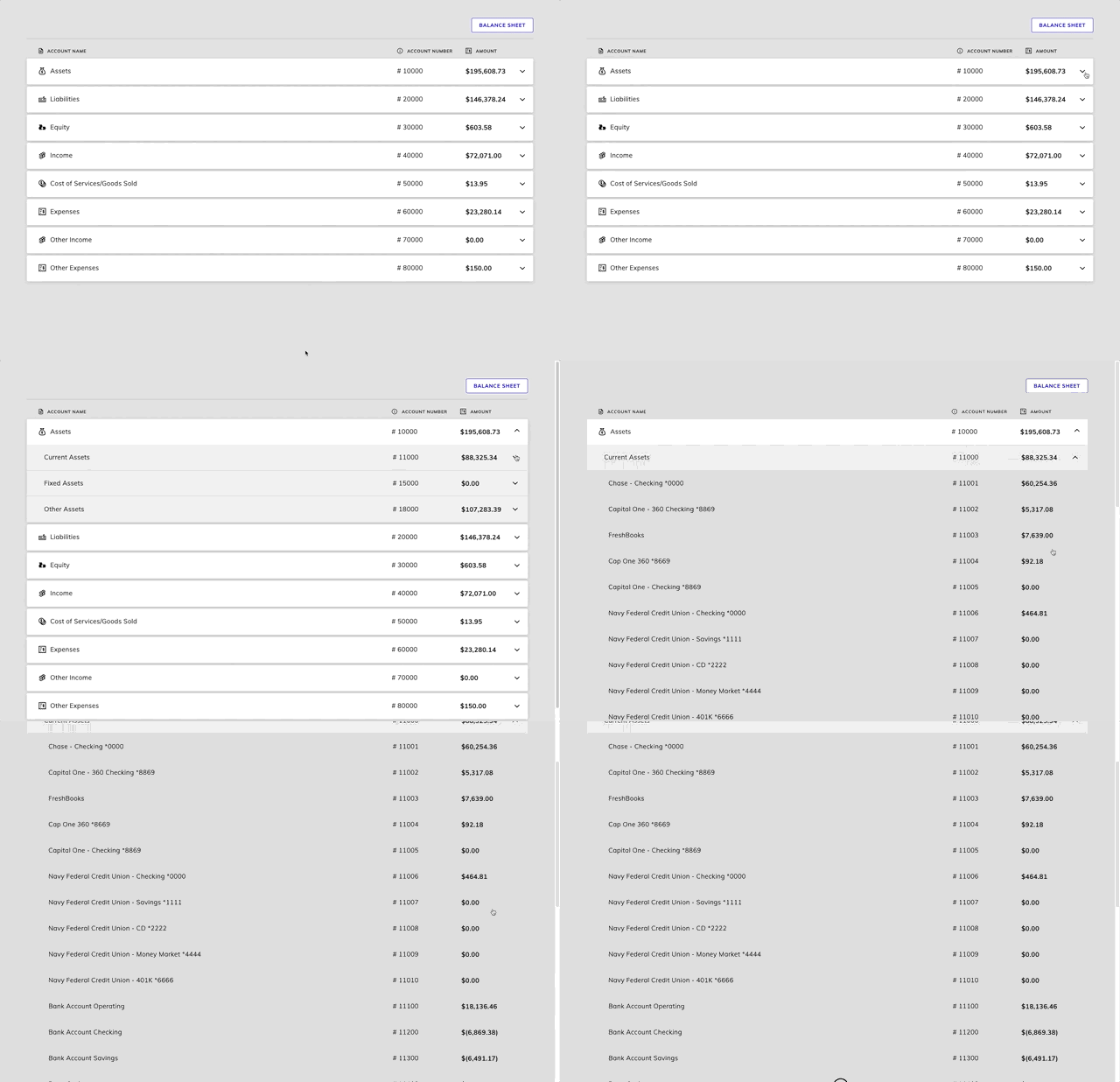
Tight’s API team can quickly customize the UI to match your branding. Please follow the instructions on Customizing the embedded UI to match your branding. Some examples of customized experiences are shown below: