

1. Initializing the Embedded Experience
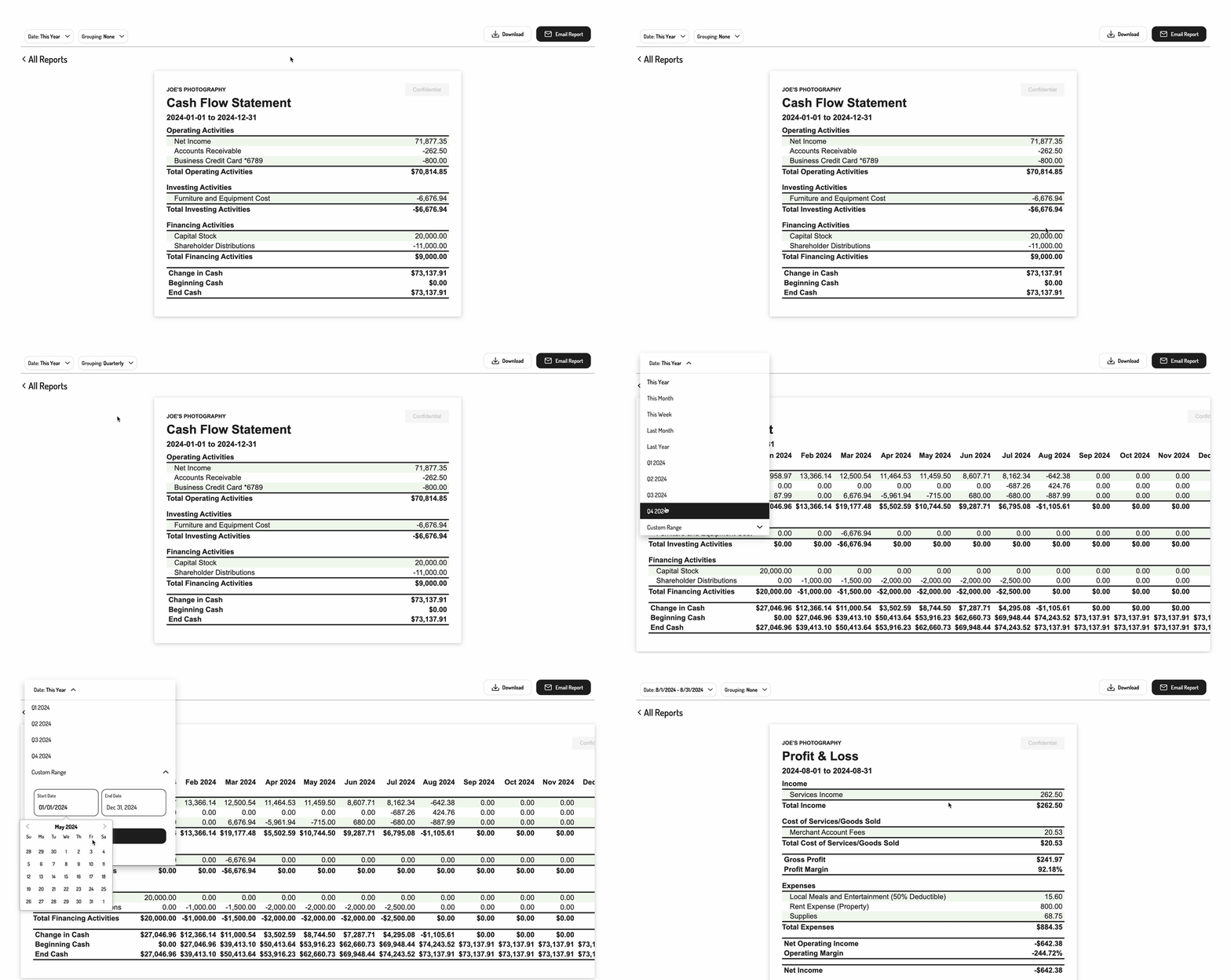
To initialize the Tight Embedded experience in your project, follow the instructions on Embedding Tight’s white-labelled UI.2. Rendering an interactive Cash Flow Statement report
To render a Cash Flow Statement report for a specific user, you will need to provide theelementId parameter, which is the HTML id of the main <div> where you would like the report to render. When your user clicks on the report element, you simply need to invoke the following line of javascript:
3. Populate the desired parameters
You can also pass in some optional parameters to specify the grouping and date range of the report.
Pass these parameters in as an object to the
renderReport call as follows: