1. How it works
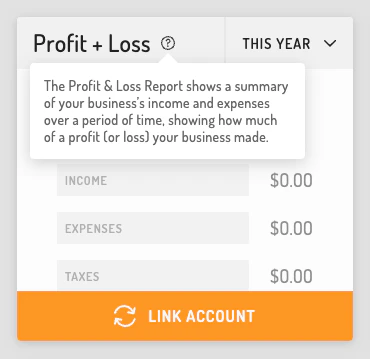
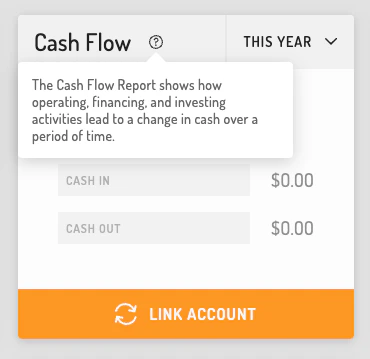
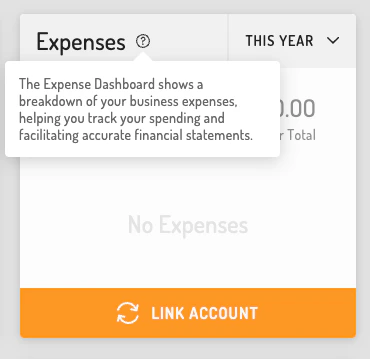
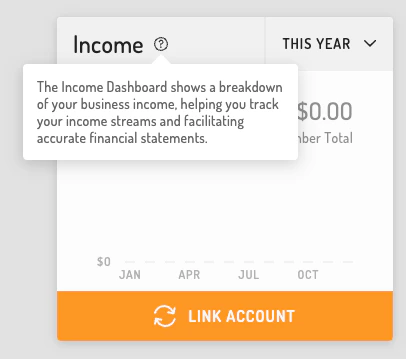
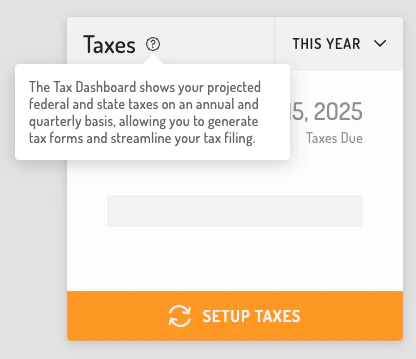
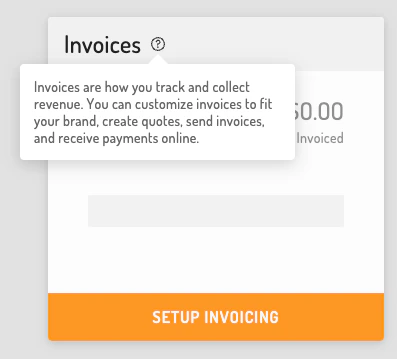
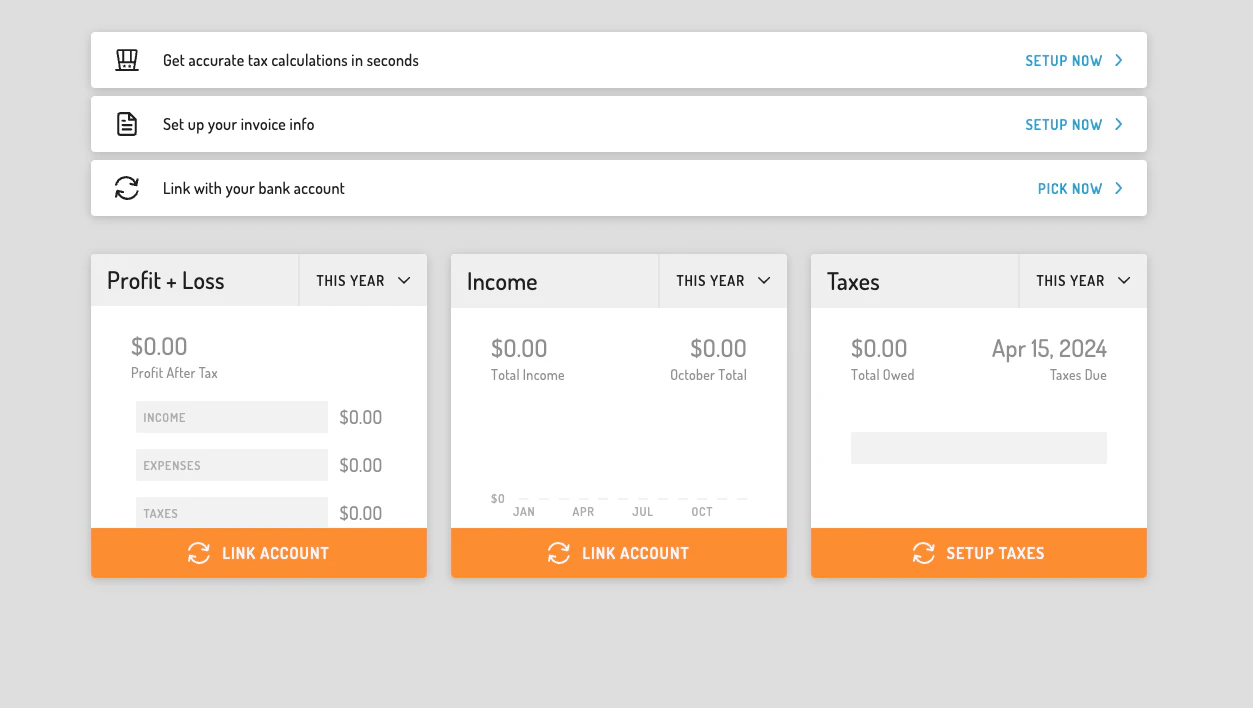
Take a look at the various Business Intelligence Tiles available to you via the Tight Embedded experience, including:2. Initializing the Embedded Experience
To initialize the Tight Embedded experience in your project, follow the instructions on Embedding Tight’s white-labelled UI.3. Adding the Business Intelligence Tiles to your app
To render the Business Intelligence Tiles, you will need to provide theelementId parameter, which is the HTML id of the main <div> where you would like the Business Intelligence Tiles to render. When your user taps on your “Business Intelligence” or “Home” navigation CTA, you simply need to invoke the following line of javascript:
4. Customizing the UI to match your branding
Tight’s API team can quickly customize the UI to match your branding. Please follow the instructions on Customizing the embedded UI to match your branding.5. Modifying the displayed tiles
If you’d like to alter or re-order the tiles being displayed, you can do so by populating abiTiles array within the options object as follows:
tiles array can contain any of the following values:
6. Using the tiles to onboard new users
The Business Intelligence tiles give users a glimpse into what kind of intelligence they will receive once they complete a few simple onboarding steps, including linking a bank account and setting up their tax profile. To encourage your users to fully onboard, you should include the optionalshowOnboarding parameter in the options object as follows:
- Bank account linking
- Invoice setup, including ability to accept credit cards
- Tax profile setup
📘 showOnboarding: true
Please note that the Tight Embedded experience is smart enough to determine whether the given user has already completed onboarding. Therefore, if you want to utilize the BI Tiles onboarding in general, you can always set this flag to true, and the Tight Embedded experience will decide whether the given user should be shown the onboarding UX based on whether the given user needs it. If your user completes onboarding, you do not need to set the showOnboarding flag to false.
7. Routing the tiles
In order to control where your user is routed when they click on a BI tile, you will want to take advantage of the Tight Embedded experience’sregisterBITileListener functionality. By registering a listener, the Tight Embedded experience will invoke the callback function you provide whenever a CTA is pressed by your user, so that you can route the user to the most relevant location within your app.
To register the listener, simply add the following line of JS to be ran once after Hurdlr.init({...}):
myBITileCallback will be invoked, with a JSON object as the single argument, containing the following attributes:
An example of the arguments passed to
myBITileCallback when a user presses on the Profit & Loss tile is shown below:
Contact us directly at api@tight.com should you need any help understanding how to use BI Tile listeners with the Tight Embedded experience.
8. Displaying tile tooltips
To give your users more context around the Business Intelligence Tiles, you can enable tooltips. Tooltips improve usability by providing quick explanations without cluttering the interface and help users understand tile data. To display them, you can include the optionalshowTileTooltips parameter in the options object as follows:
JavaScript