

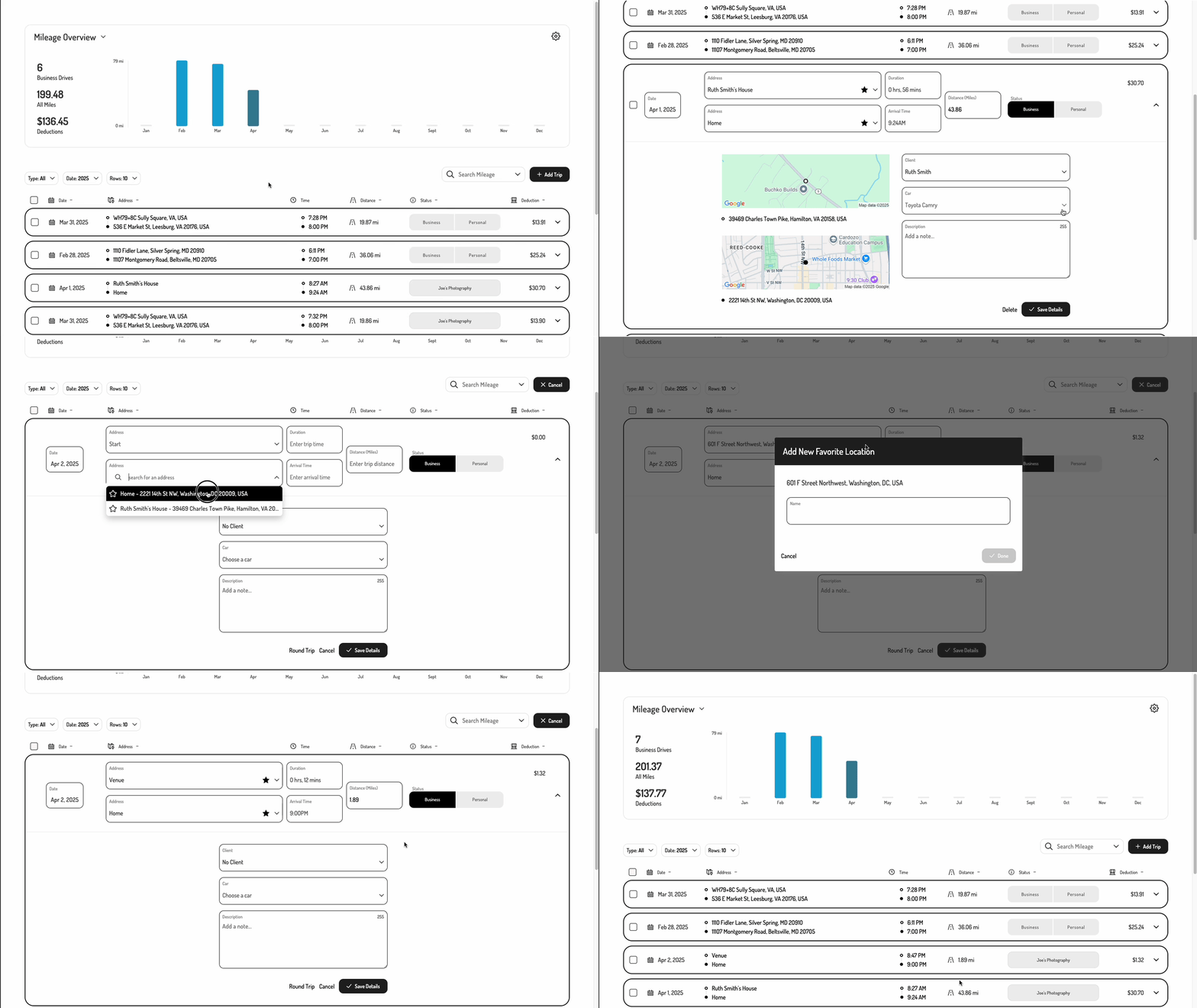
1. Initializing the Embedded Experience
To initialize the Tight Embedded experience in your project, follow the instructions on Embedding Tight’s white-labelled UI.2. Adding the Mileage Dashboard to your app
To render the Mileage Dashboard, you will need to provide theelementId parameter, which is the HTML id of the main <div> where you would like the Mileage Dashboard to render. When your user taps on your “Mileage” navigation CTA, you simply need to invoke the following line of javascript: